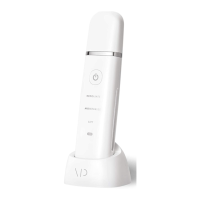
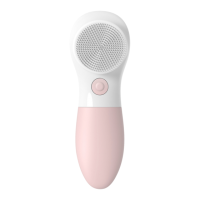
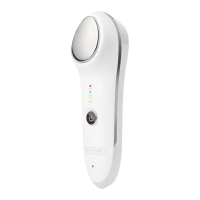
TURNING YOUR DEVICE ON/OFF
& SWITCHING MODES
1. Hold the “On/Off” button for three seconds to
activate the hot mode
2. To add sonic vibrations while using the hot mode,
simply press the “On/Off” button a second time
3. To shift to the cold mode, press the “On/Off”
button a third time
4. Press the “On/Off” button a fourth time to add
sonic vibrations while using the cold mode
5. To turn off your Forever Young, hold down the
“On/Off” button for three seconds. The device will
automatically shut off after two and a half minutes
on each mode
Using Forever Young



 To Next Page