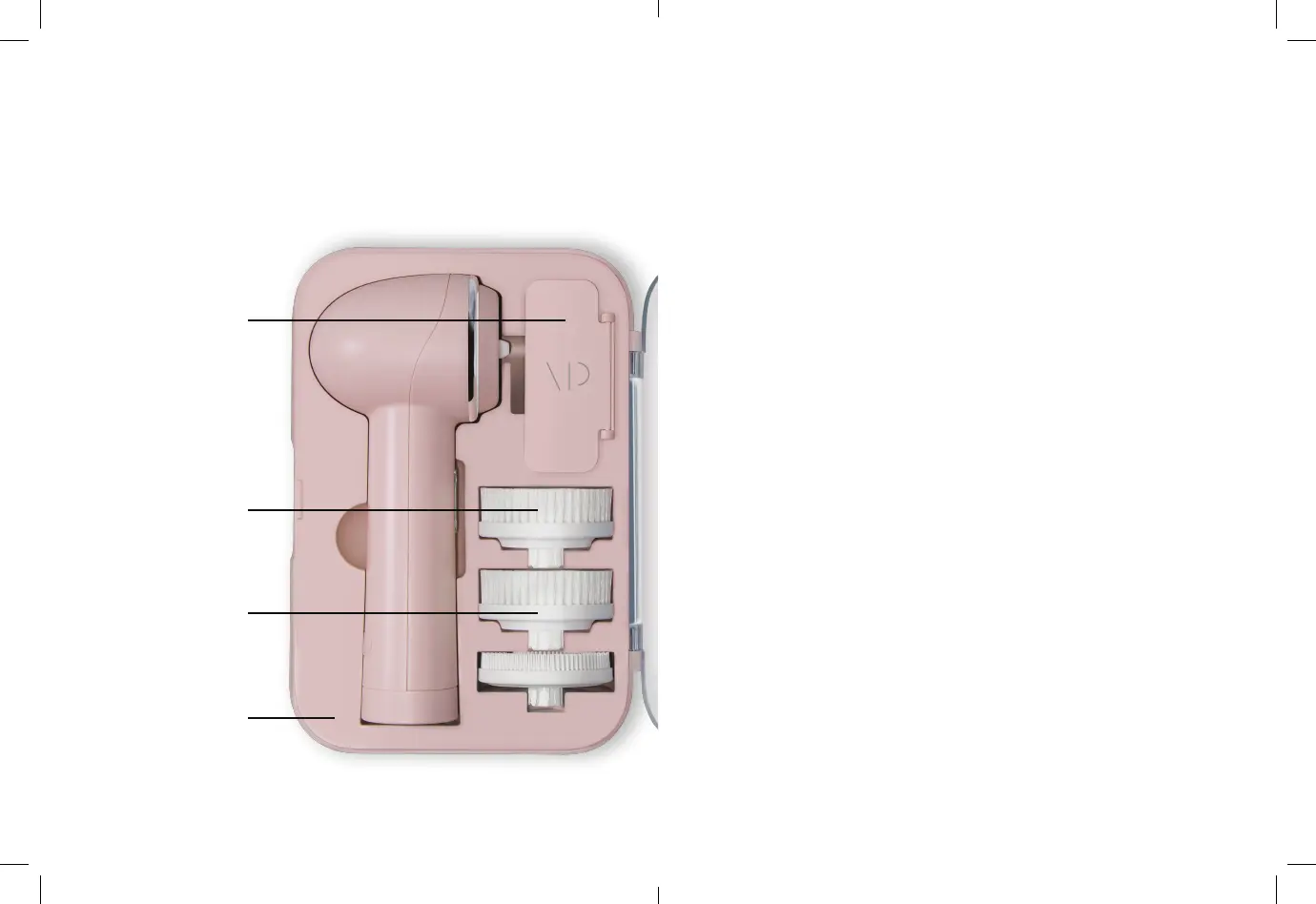
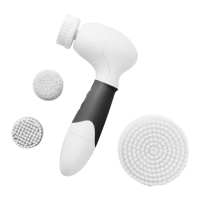
4 Interchangeble
Brush Heads
(Body Brush not Pictured)
Cruelty-free
Bristles
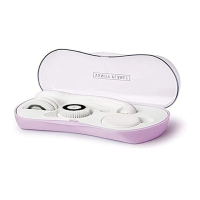
On-the-go
Storage Case
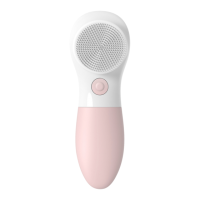
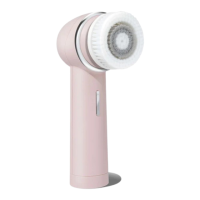
Your Raedia 2.0
Getting Started
USING YOUR BRUSH HEADS
1. Remove makeup with a cleansing towelette or wipe
before using the attachments to avoid staining the
bristles.
2. Attach your desired brush head.
3. Dampen your skin with water.
4. Apply cleanser directly to your skin or the brush head.
Avoid using exfoliators with large, jagged particles.
5. Hold the device so the brush head is flush against your
skin, then press the power button to select a mode.
6. Gently glide Raedia 2.0 over your skin’s surface in a
rotating motion, careful not to apply too much force to the
brush head as this may cause irritation to your skin
7. Power button press once to turn on, press a second time
to switch the direction of the brush head.
8. On the lower part of the power button press once for low
speed, and press a second time for higher speed
CHARGING
Plug in included chord when battery is low to recharge
your Raedia 2.0.
Charging Cable
Compartment
(Charging Cable Inside)



 To Next Page