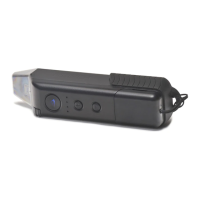
1. Press the GO Button
2. Follow steps 2-5 as above
2
1
3
4
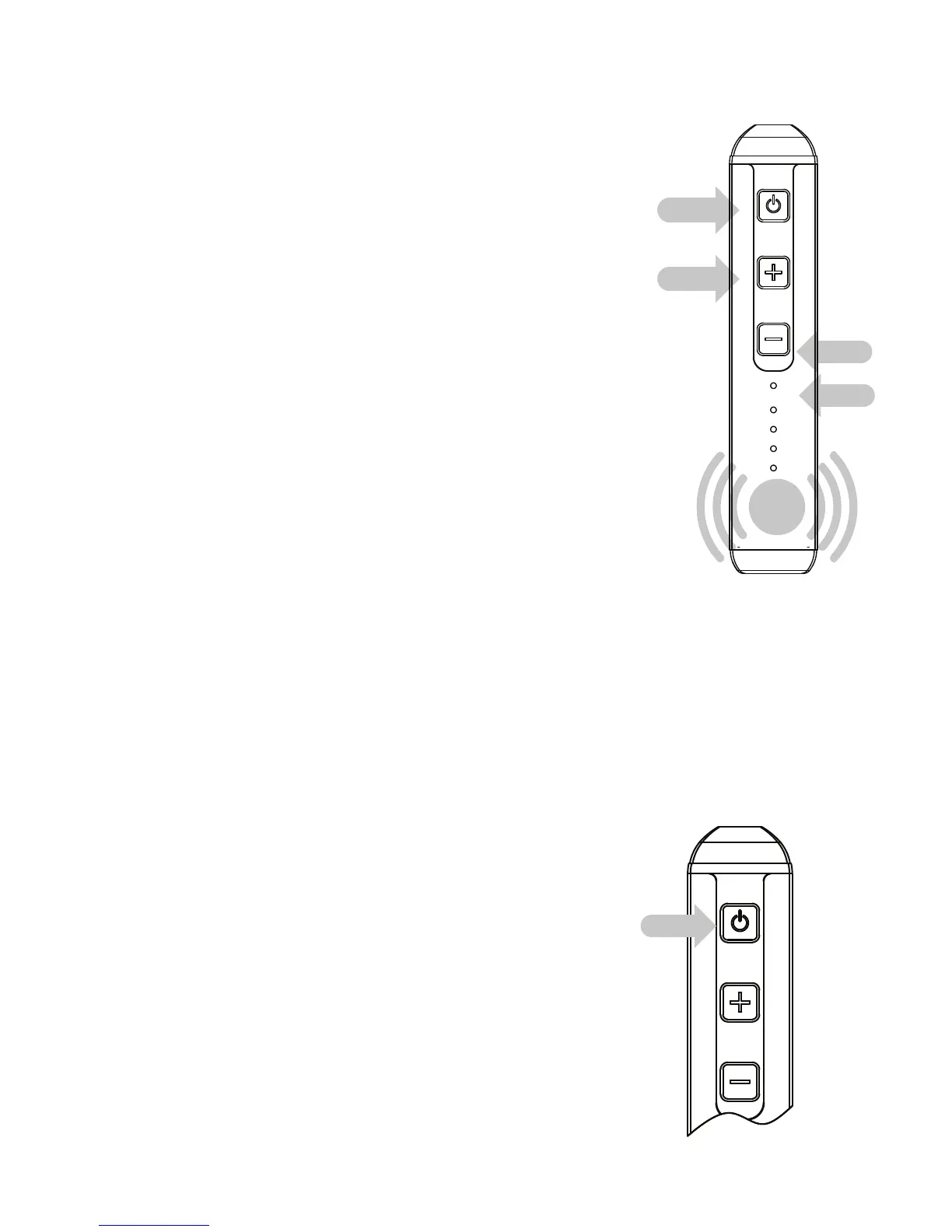
1. Turn the unit on by pressing
the Go button for 3 seconds
2. Feel the vibration – indicates the
device is on and ready for instruction
3. Battery level is displayed
4. Unit will start heating
5. Optionally choose your desired
temperature (to change the temp.
tap the + or – and the temp. light will scroll
through the settings until you let go to confirm
the setting) or unit will heat to last stored temp.
4
POWERING ON
FROM STANDBY
1
POWERING ON FROM OFF
5


 To Next Page