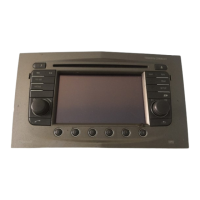
Instruments and controls 101
■ Languages
■ Time and Date
■ Radio Settings
■ Phone Settings
■ Navigation Settings
■ Display Settings
■ Vehicle Settings
In the corresponding submenus the
following settings can be changed:
Languages
Selection of the desired language.
Time and Date
See Infotainment system manual for
further information.
Radio Settings
See Infotainment system manual for
further information.
Phone Settings
See Infotainment system manual for
further information.
Navigation Settings
See Infotainment system manual for
further information.
Display Settings
■ Home Page Menu:
See Infotainment system manual
for further information.
■ Rear Camera Options:
Press to adjust the rear camera
options 3 139.
■ Display Off:
See Infotainment system manual
for further information.
■ Map Settings:
See Infotainment system manual
for further information.
Vehicle Settings
■ Climate and Air Quality
Auto Fan Speed: Modifies the fan
regulation. Changed setting will be
active after switching the ignition off
and on again.
Air Conditioning Mode: Activates or
deactivates cooling when switching
on the ignition or uses the last
chosen setting.
Auto Demist: Activates or
deactivates auto demist.
Auto Rear Demist: Activates the
heated rear window automatically.
■ Comfort and Convenience
Chime Volume: Changes the
volume of warning chimes.



 To Next Page
 Loading...