22
2) Image parameters You may select the image mode, or self-define the brightness,
contrast, saturation, resolution, tone, color temperature, etc.
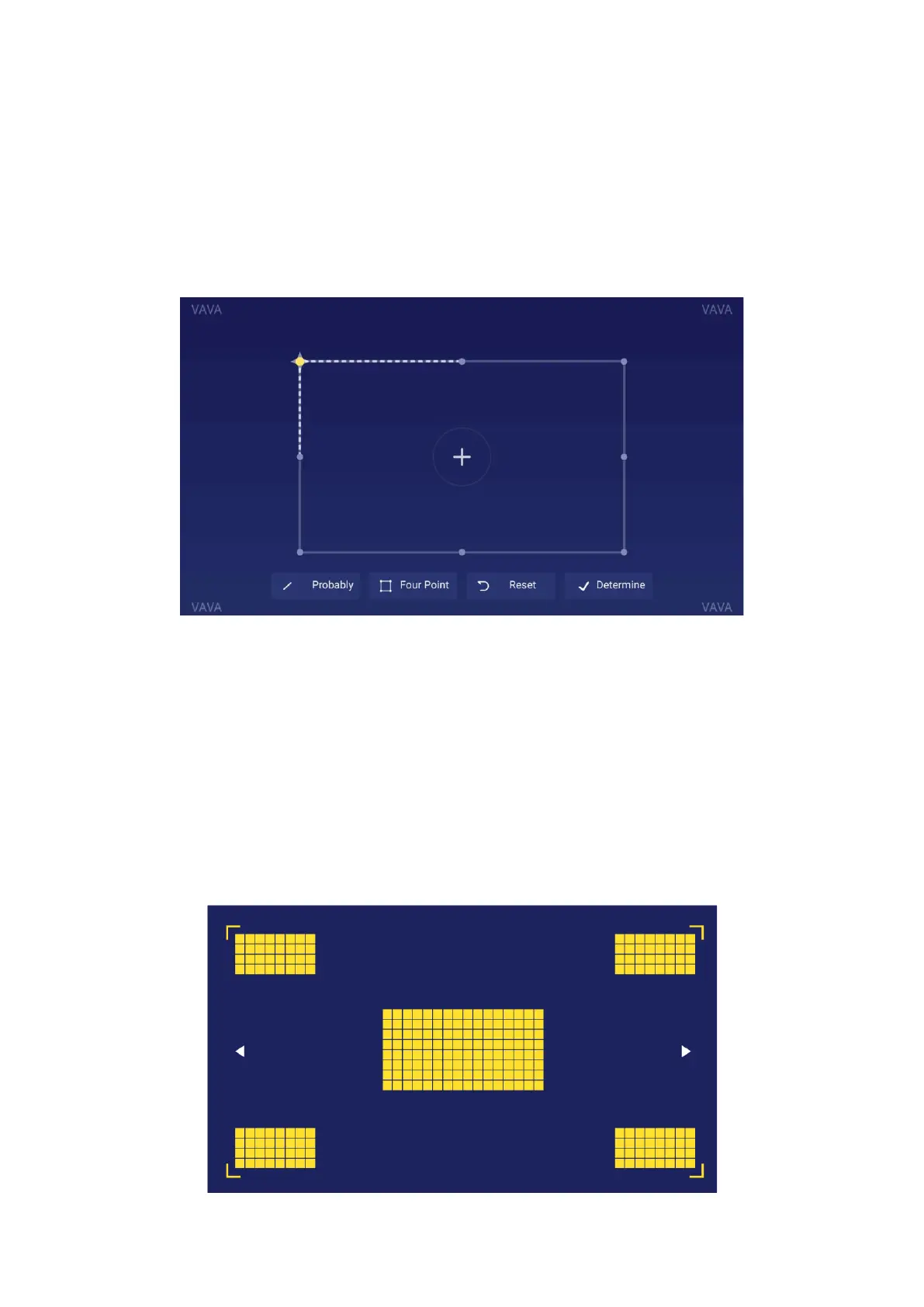
3) Keystone correction Besides adjusting the physical position of the device to improve
the distortion (refer to 2. Position Adjustment), you may enter the Keystone Correction
interface to improve it technically.
The physical adjustment method described previously in Position Adjustment is
preferred since the keystone correction function here is changing the actual
image by software bit by bit, which may sacrifice the clarity as a result.
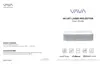
4) Electric focus
Adjust the focus by the Left / Right button on the remote to get the clearest image on
the interface.



 To Next Page