Getting started
Installing the wall mount
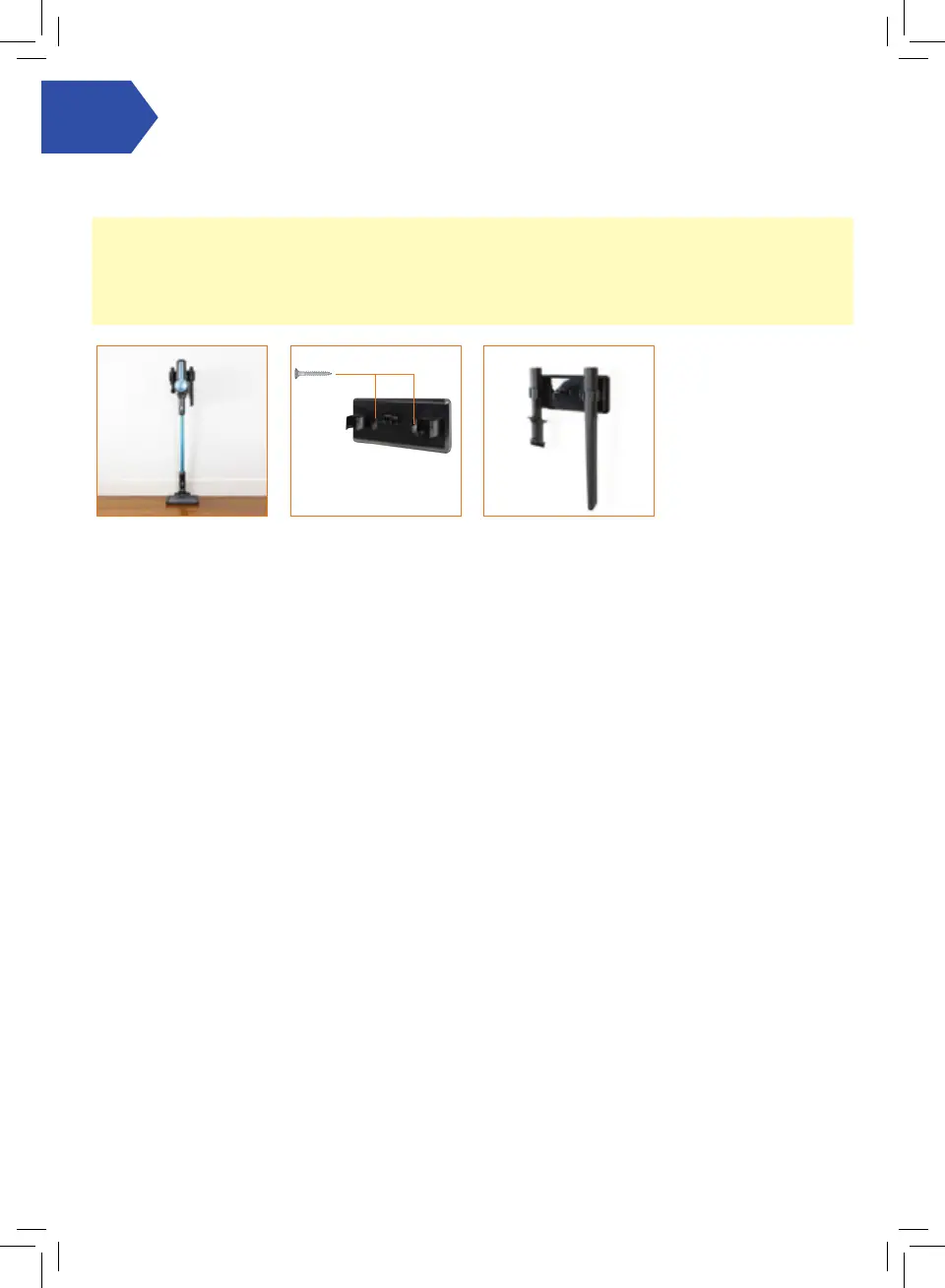
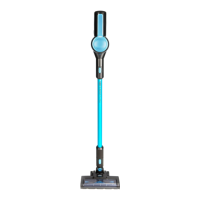
Fully assemble the
vacuum and attach the
wall mount into the
handle. With the wall
mount attached, stand the
vacuum close to the wall,
in the upright position
with the oor head at on
the oor.
Holding the wall bracket
rmly in place, carefully
remove the vacuum.
Using a pencil make
a small mark for each
screw. Use both screws
and wall plugs to secure
the wall bracket to the
wall.
The accessories can also be
stored on the wall mount.
NOTE: The wall mount should be installed near a power supply where the charger cord can extend from the vacuum
down to the plug in the wall.
IMPORTANT: The wall mount is not designed to hold the full weight of the vacuum. The oor head should be
positioned at on the surface of the oor to support the weight of the vacuum while the wall mount positions the
vacuum in the upright position.




 To Next Page