VECTOR 4 USER'S MANUAL
INTRODUCTION TO VECTOR 4 CP/M
GUIDE
TO
USING
VECTOR
4
CP/M
Now
that
you
should
have
some
idea
about
the
way
Vector
4
CP/M
accomplishes
its
job, you
can
better
understand how
to
make
it
help you with
yours.
You have already read
the
computer's definition of a file. From your
point
of
view, a file is where you keep any
related
information, just
the
way
you would in a filing cabinet. Your work
with
Vector
4 CP/M will
consist
primarily
of
entering
commands which change, move, or otherwise manipulate
the files stored in mass memory: the disk drives. To
begin,
let's
cover
how
CP/M allows you
to
address this memory.
Disk Driyes, And How
To
Use Them
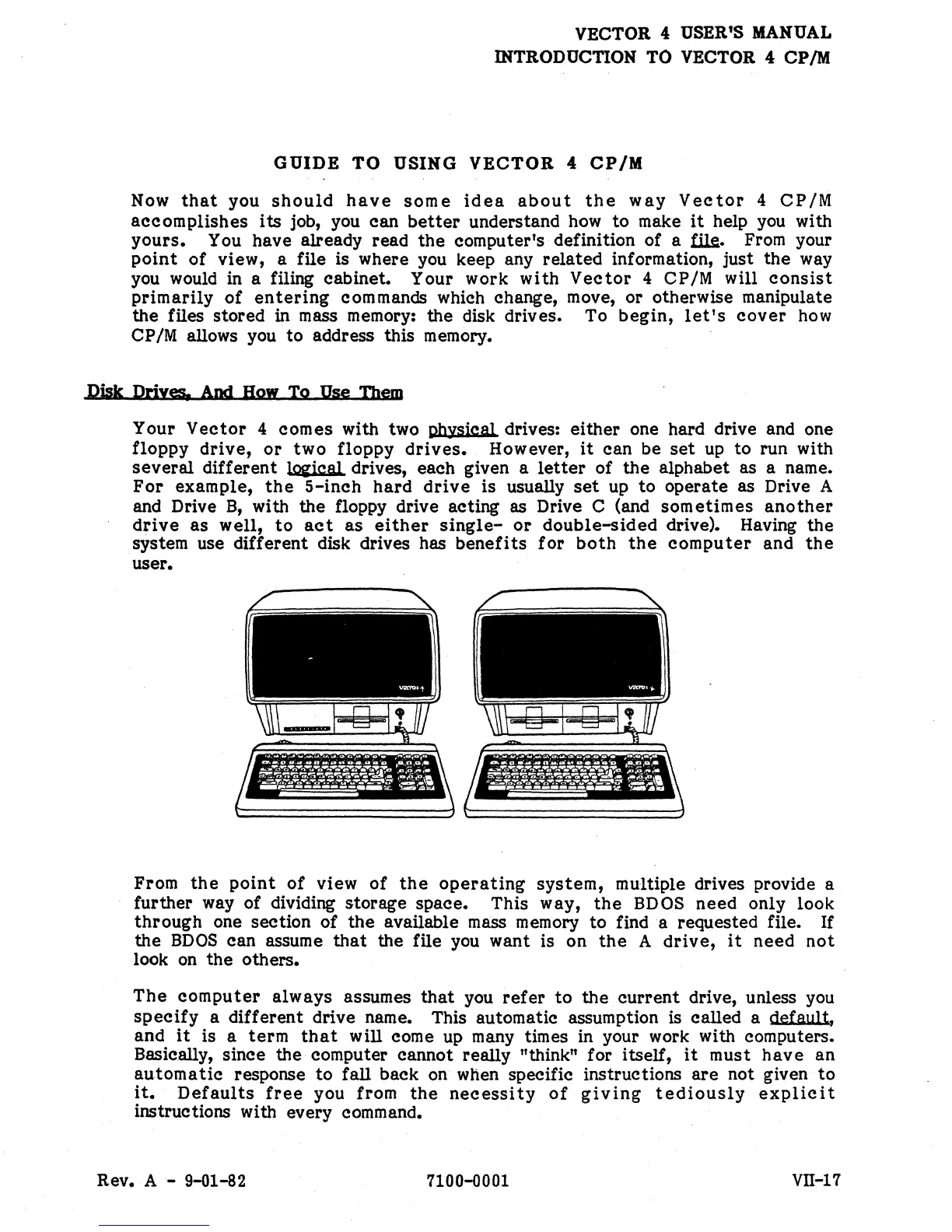
Your
Vector
4
comes
with two Dhysical drives:
either
one hard drive and one
floppy
drive,
or
two
floppy
drives.
However,
it
can be
set
up
to
run with
several
different
lOi'ical drives, each given a
letter
of
the
alphabet as a name.
For
example,
the
5-inch
hard
drive
is usually
set
up
to
operate as Drive A
and Drive
B,
with the floppy drive acting as Drive C (and
sometimes
another
drive
as
well,
to
act
as
either
single-
or
double-sided
drive). Having
the
system use
different
disk drives has
benefits
for
both
the
computer
and
the
user.
From
the
point
of
view
of
the
operating
system,
multiple drives provide a
further way of dividing storage space. This way,
the
BDOS
need
only look
through
one section
of
the
available mass memory
to
find a requested file. If
the
BDOS
can assume
that
the fUe you want is on
the
A
drive,
it
need
not
look
on
the
others.
The
computer
always
assumes
that
you
refer
to
the
current
drive, unless you
specify
a
different
drive name. This automatic assumption is called a default,
and
it
is a
term
that
will come up many times in your work with computers.
Basically, since the computer cannot really
"think" for itself,
it
must
have
an
automatic
response
to
fall back on when specific instructions
are
not given
to
it.
Defaults
free
you from
the
necessity
of
giving
tediously
explicit
instructions with every command.
Rev.
A-
9-01-82 7100-0001
VII-17


 To Next Page
 Loading...