VECTOR 4 USER'S MANUAL
INTRODUCTION
TO
VECTOR 4
CP/M
Assigning files to different user areas
takes
a
little
extra
planning on
your
part.
If
you
have
a floppy-only
system,
keeping
track
of
user
areas
is
probably more work than
it
will be
worth;
it
is so
easy
just
to
remove
one
floppy and
insert
another
in
its
place. But for a hard-disk system, the user
area
division
may
make your organization
that
much
more
efficient.
Think
of
the user areas as different drawers
in
the
same filing cabinet.
If you work with different user areas, you
may
want
to
post some kind
of
log
explaining
what
each
user
area
contains. If you use Area 1 for accounting,
Area
3 for word processing, Area 4 for mailing lists,
et
cetera,
the
log
might
hold down
potential
confusion if different people will use the computer.
On
the one hand, your experience will grow as you
use
your
Vector
4; on
the
other
hand,
everything
that
you
can
plan
in
advance will
let
you
get
up
to
speed
on
the computer in the
least
amount of time.
Getu.
Started
You should
have
gone through the process of booting
at
least
once already in
the Installation and
Start-Up instructions. The following section will
help
you
understand
what was going on while you were booting up.
Of
course, you
can
follow along
with
the
instructions
if
you like;
it
will help make booting as
natural a procedure as possible.
When
you
first
turn
on
the power
to
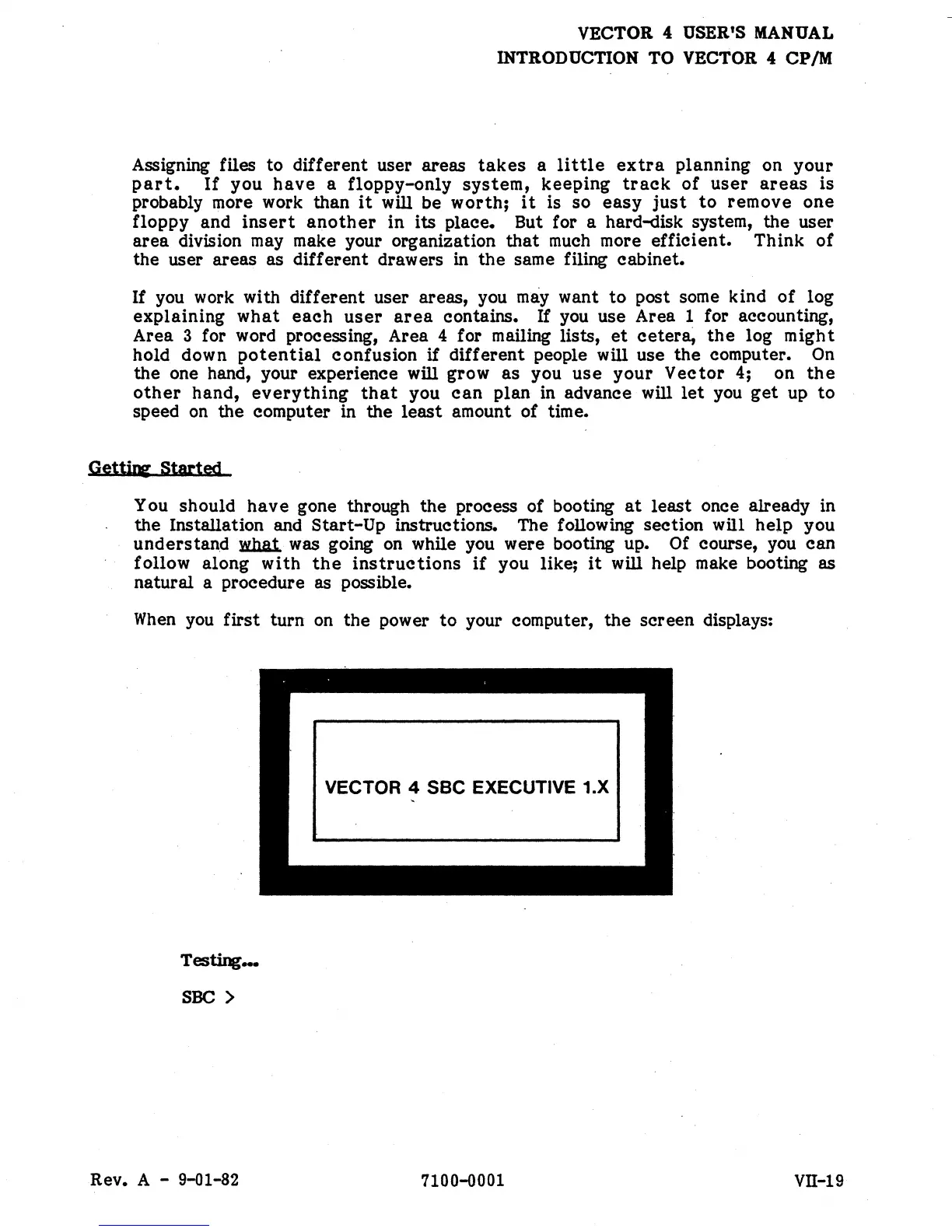
your computer, the screen displays:
Testing._
SOC
>
Rev. A - 9-01-82
VECTOR 4 sac EXECUTIVE 1.X
7100-0001
vn-19


 To Next Page
 Loading...