VECTOR 4 USER'S
MANUAL
VECTOR 4 CP/M TRANSIENT
COMMANDS
The PIP program will
default
to
the
current
user
area
(in our example, User 5)
for the destination.
When
the
A) prompt appears,
the
file
has
been
copied
to
User Area 5 on Drive C.
b. To copy
to
User Area
O.
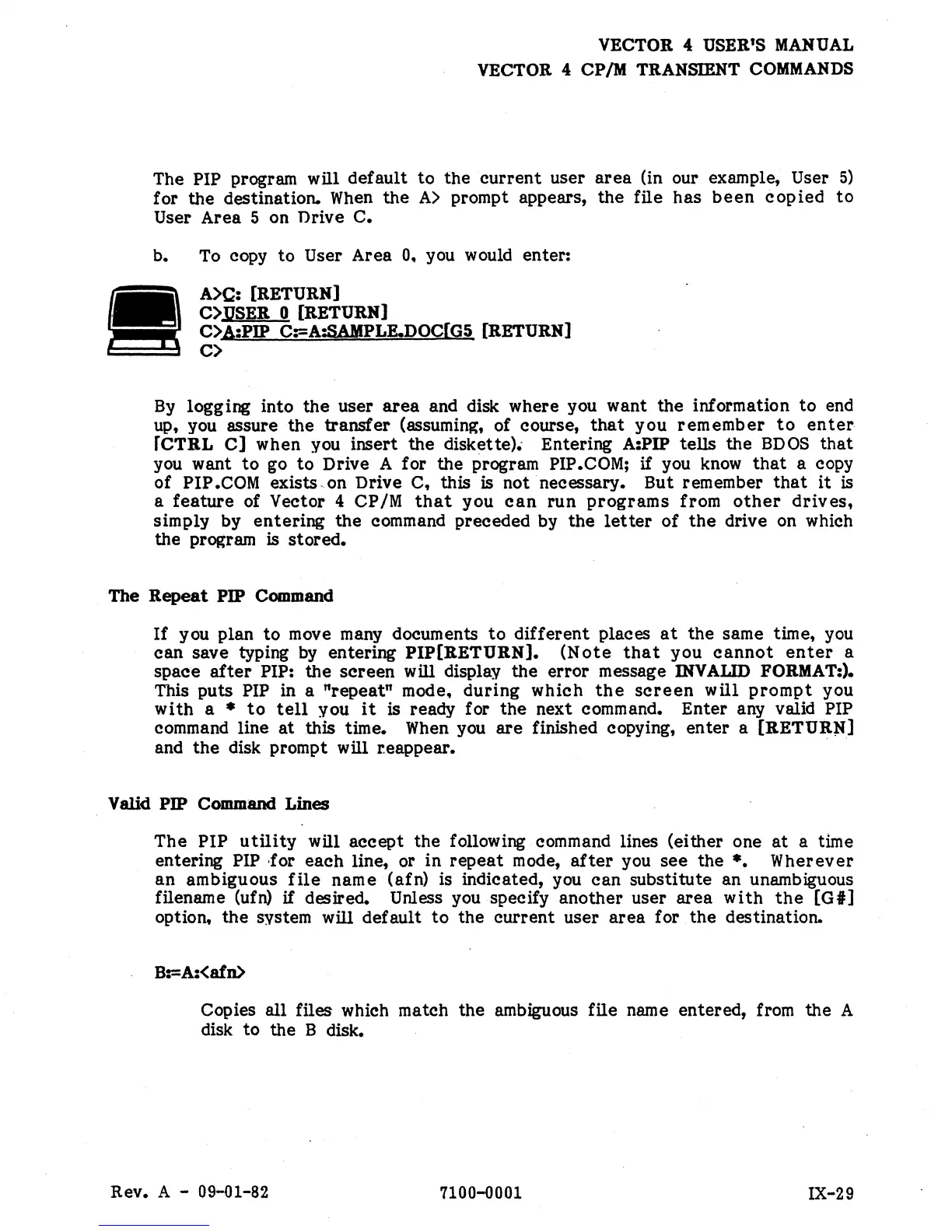
you would enter:
A>C: [RETURN]
C>.uSER
0 [RETURN]
C>A:PIP C:=A:SAMPLE.DOCfG5 [RETURN]
C>
By
logging into
the
user
area
and disk where you
want
the information
to
end
up, you assure
the
transfer
(assuming, of course,
that
you
remember
to
enter
rCTRL
C]
when you insert
the
diskette).. Entering A:PIP tells
the
BDOS
that
you want
to
go
to
Drive A for
the
program PIP.COM;
if
you
know
that
a copy
of
PIP
.COM
exists. on Drive C, this is not necessary. But remember
that
it
is
a
feature
of Vector 4 CP/M
that
you
can
run
programs
from
other
drives,
simply by
entering
the
command preceded by
the
letter
of
the
drive on which
the
program is
stored.
The
Repeat
PIP Command
If
you plan
to
move many documents
to
different
places
at
the
same time, you
can
save typing
by
entering
PIP[RETURN].
(Note
that
you
cannot
enter
a
space
after
PIP:
the
screen
will display the
error
message
INVAIJD
FORMAT:).
This puts
PIP in a
"repeat"
mode.
during
which
the
screen
will
prompt
you
with
a *
to
tell
you
it
is ready for
the
next command.
Enter
any valid PIP
command line
at
this time.
When
you
are
finished copying,
enter
a
[RETUR~{]
and
the
disk prompt will r.eappear.
V
slid
PIP Command Lines
The
PIP
utility
will
accept
the
following command lines (either one
at
a time
entering
PIP -for
each
line, or
in
repeat
mode,
after
you
see
the
*.
Wherever
an
ambiguous
file
name (afn) is indicated, you
can
SUbstitute an unambiguous
filename (ufn)
if
desired. Unless you specify
another
user
area
with
the
[Gil
option,
the
system will default
to
the
current
user
area
for
the
destination.
B:=A:<afn>
Copies
all
files which match the ambiguous file name entered, from
the
A
disk to the B disk.
Rev. A -
09-01-82
7100-0001
IX-29


 To Next Page
 Loading...