...
----
-
---
--
......
.........
~,
~."".
SYMPTOM
2 -
ERROR
MESSAGES
ON
SCREEN
Symptom
Reyiew:
Your
Vector 4 turns
on
with the key, generates the tone
to
indicate
power-on,
and
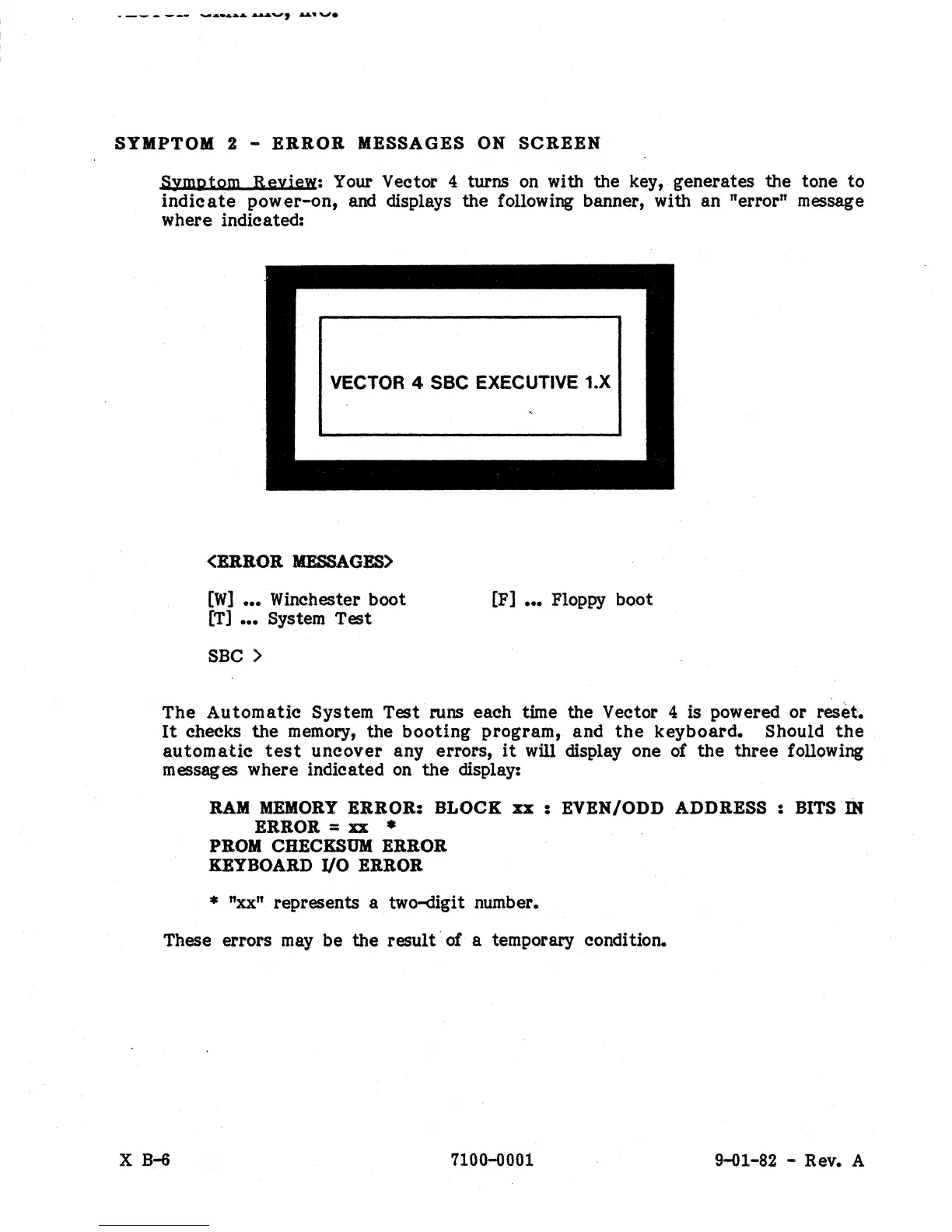
displays the following banner, with an "error" message
where indicated:
VECTOR 4 SSC EXECUTIVE 1.X
(ERROR
MESSAGES>
[W]
•••
Winchester boot
[T]
•••
System Test
SSC>
[F]
•••
Floppy boot
The
Automatic
System Test runs each time the Vector 4 is powered or reset.
It
checks the
memory,
the
booting
program, and
the
keyboard.
Should
the
automatic
test
uncover
any errors,
it
will display one
of
the
three following
messages where indicated
on
the
display:
RAM MEMORY
ERROR:
BLOCK
xx :
EVEN/ODD
ADDRESS
: BITS
IN
ERROR = xx *
PROM CHECKSUM ERROR
KEYBOARD
I/O
ERROR
*
"xx"
represents a two-digit number.
These errors
may
be the result· of a temporary condition.
X B-6 7100-0001
9-01-82 - Rev. A


 To Next Page
 Loading...