How
Does
This
QperafuJt
System
Get
Started?
VECTOR 4 USER'S
MANUAL
VECTOR 4 CP/M OVERVmW
While
the
computer
is
turned
off,
the
operating system is stored on a disk.
To
operate
the
computer, these instructions must
themselves
be
copied
from
the
disk
into
the memory. Since the computer's
memory
only works when the
power is on,
the
operating
system
must be
copied
from
the
disk
into
the
computer's memory each time you turn on the power.
Recall
from
the
Start-Up
Instructions
that
this
is
called bootirli'
the
system.
Booting
comes from
the
expression
"pulling yourself
up
by your bootstraps",
since
the
computer is loading itself with its
own
instructions.
It
doesn't mean
kicking your computer
to
get
it
started!
When
you boot, you are
telling
the
computer
to
copy
the
instructions
that
make
up
the
operating
system
into
its
memory.
This
runs an
automatic
program (stored in a silicon chip inside the console) which
tells
the
compu
ter
togo
to
a specified location on the disk called
the
system tracks.
It
will
then
copy
the
information
it
finds there into the computer's memory,
and
"await
further
instructions". The operating system is
now
at
the command
l.en].,
To
boot,
just
press [P]
for
a floppy-only system, or
[W]
if
you use a hard disk.
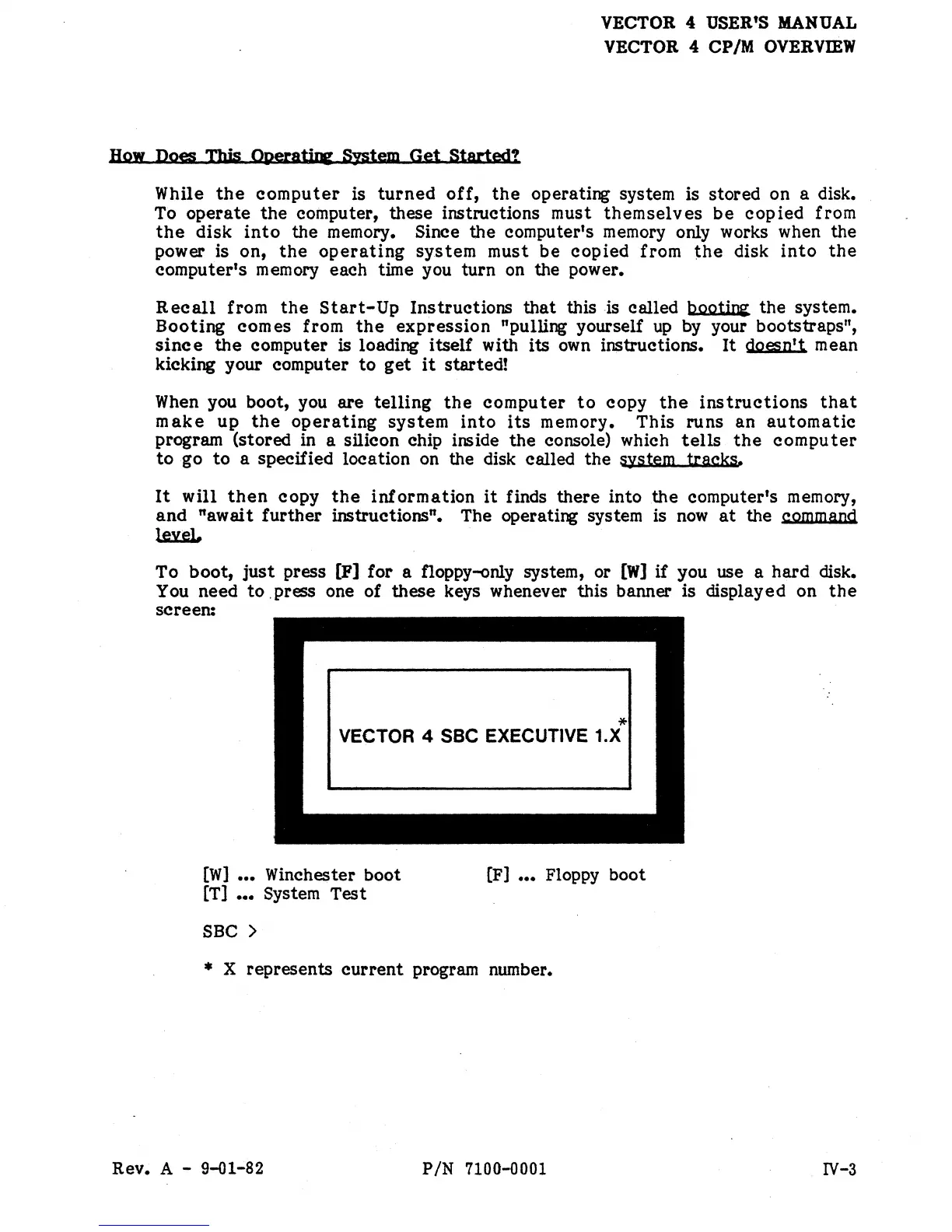
You need
to
. press one of these keys whenever this banner is displayed on
the
screen:
*
VECTOR 4 SSC EXECUTIVE 1.X
[W]
•••
Winchester boot
[T]
•••
System
Test
SBe >
[F]
•••
Floppy boot
* X represents
current
program number.
Rev. A - 9-01-82
PIN
7100-0001
IV-3


 To Next Page
 Loading...