VECTOR
GRAPmC,
INC.
IIRmera;ency.
Bmket'
V-4
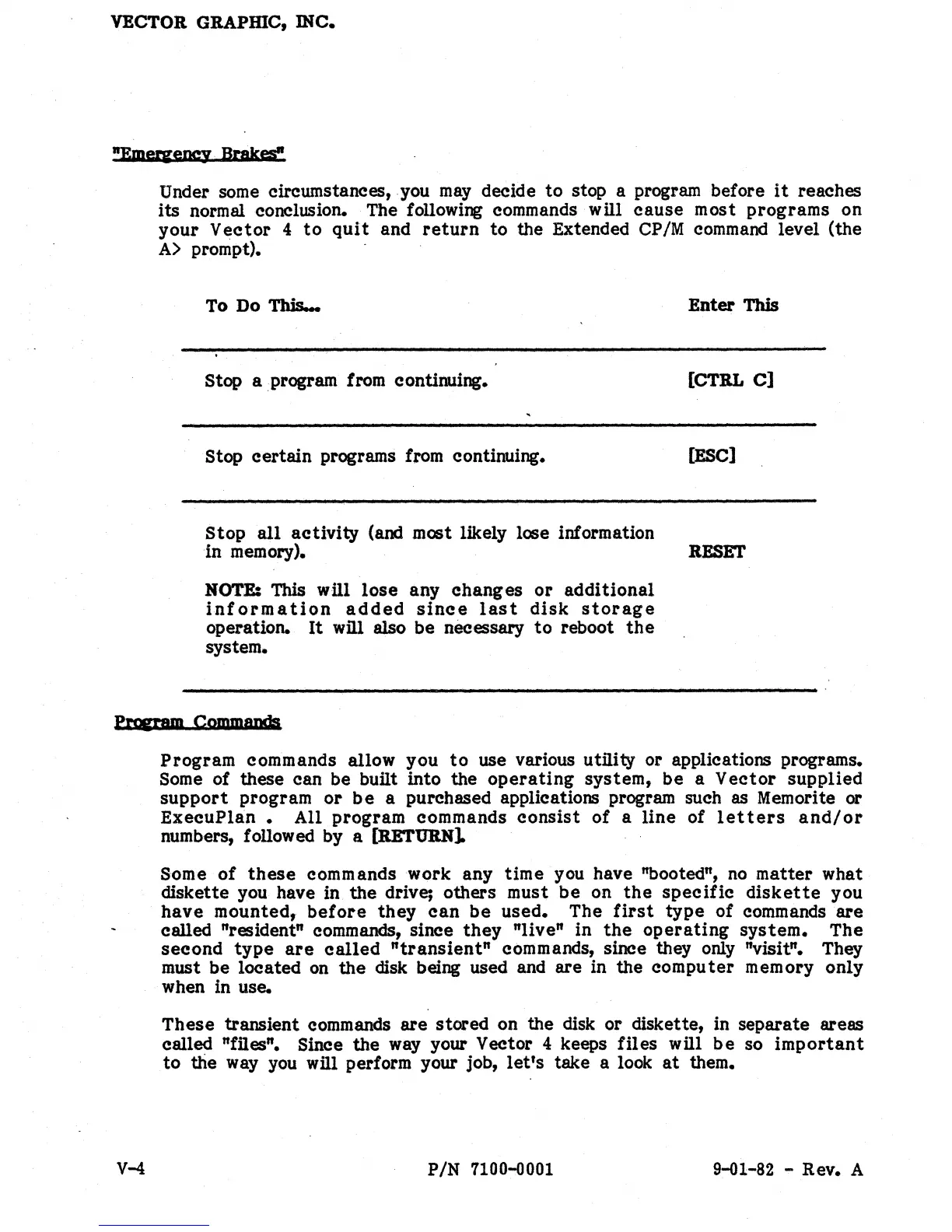
Under some circumstances, you
may
decide
to
stop a program before
it
reaches
its
normal conclusion. The following commands wUl
cause
most
programs
on
your
Vector
4
to
quit
and
return
to
the Extended CP/M command level (the
A)
prompt).
To Do
This...
Stop a program from continuing.
Stop
certain
programs from continuing.
Stop
all
activity
(and most likely lose information
in memory).
NOTE: This
will
lose
any
changes
or
additional
information
added
since
last
disk
storage
operation.
It
will also be necessary
to
reboot
the
system.
Enter
This
[CTRL
C]
[ESC]
RESET
Program
commands allow
you
to
use various utility
or
applications programs.
Some of these can be built into the
operating
system,
be
a
Vector
supplied
support
program
or
be
a purchased applications program such as Memorite or
ExecuPlan.
All
program
commands
consist
of
a
line
of
letters
and/or
numbers, followed by a [RETURN]. .
Some
of
these
commands
work
any
time
you have "booted",
no
matter
what
diskette
you have in
the
drive; others
must
be
on
the
specific
diskette
you
have
mounted,
before
they
can
be
used.
The
first
type
of
commands
are
called "resident" commands, since
they
"live"
in
the
operating
system.
The
second
type
are
called
"transient"
commands, since they only "visit.". They
must
be
located
on
the
disk being used and
are
in
the
computer
memory
only
when in use.
These
transient commands
are
stored
on
the
disk
or
diskette, in
separate
areas
called "files". Since
the
way your Vector 4 keeps
files
wUl
be
so
important
to
the way you
wUl
perform your job,
let's
take a look
at
them.
PIN
7100-0001
9-01-82 - Rev. A


 To Next Page
 Loading...