VECTOR GRAPIDC, INC.
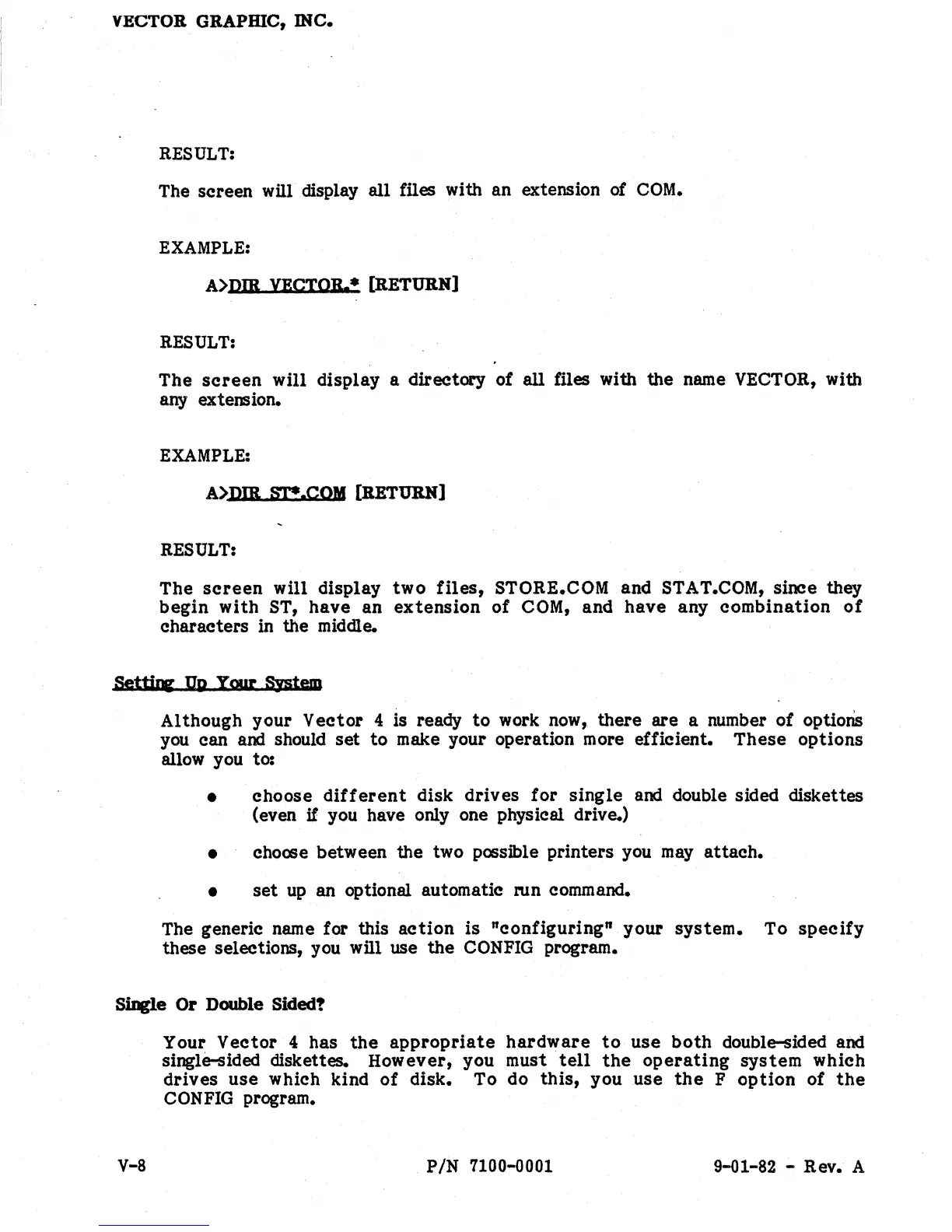
RESULT:
The screen will display all files with an extension
of
COM.
EXAMPLE:
A>DIB YBCTOR.· [RETURN]
RESULT:
The
screen
will display a directory of
all
files with the name VECTOR, with
any extension.
EXAMPLE:
A>DIB
sr.CQY
[RETURN]
RESULT:
The
screen
will display
two
files,
STORE.COM and STAT.COM, since they
begin
with
ST,
have
an
extension
of
COM,
and
have
any
combination
of
characters in the middle.
Set1ir8'
DU
Ymn:
BlItcm
Although your
Vector
4 is ready
to
work
now,
there are a number ot options
you
can and should
set
to
make your operation more efficient.
These
options
allow you to:
• choose
different
disk
drives
for
single
and double sided diskettes
(even
if
you have only one physical drive.)
•
cho<JSe
between the two
p<JSsible
printers you
may
attach.
•
set
up
an
optional automatic run command.
The generic name for this
action
is "configuring" your
system.
To
specify
these selections, you will use the
CONFIG
program.
SiDgle Or Double Sided!
V-8
Your
Vector
4 has
the
appropriate
hardware
to
use
both
double-sided and
single-sided diskettes. However, you must
tell
the
operating
system
Which
drives
use
which kind
of
disk. To do
this,
you
use
the
F
option
of
the
CON
FIG
program.
PIN
7100-0001
9-01-82 - Rev. A


 To Next Page
 Loading...