VECTOR 4 USER'S MANUAL
QUICK REFERENCE INDEX
To
Do
This...
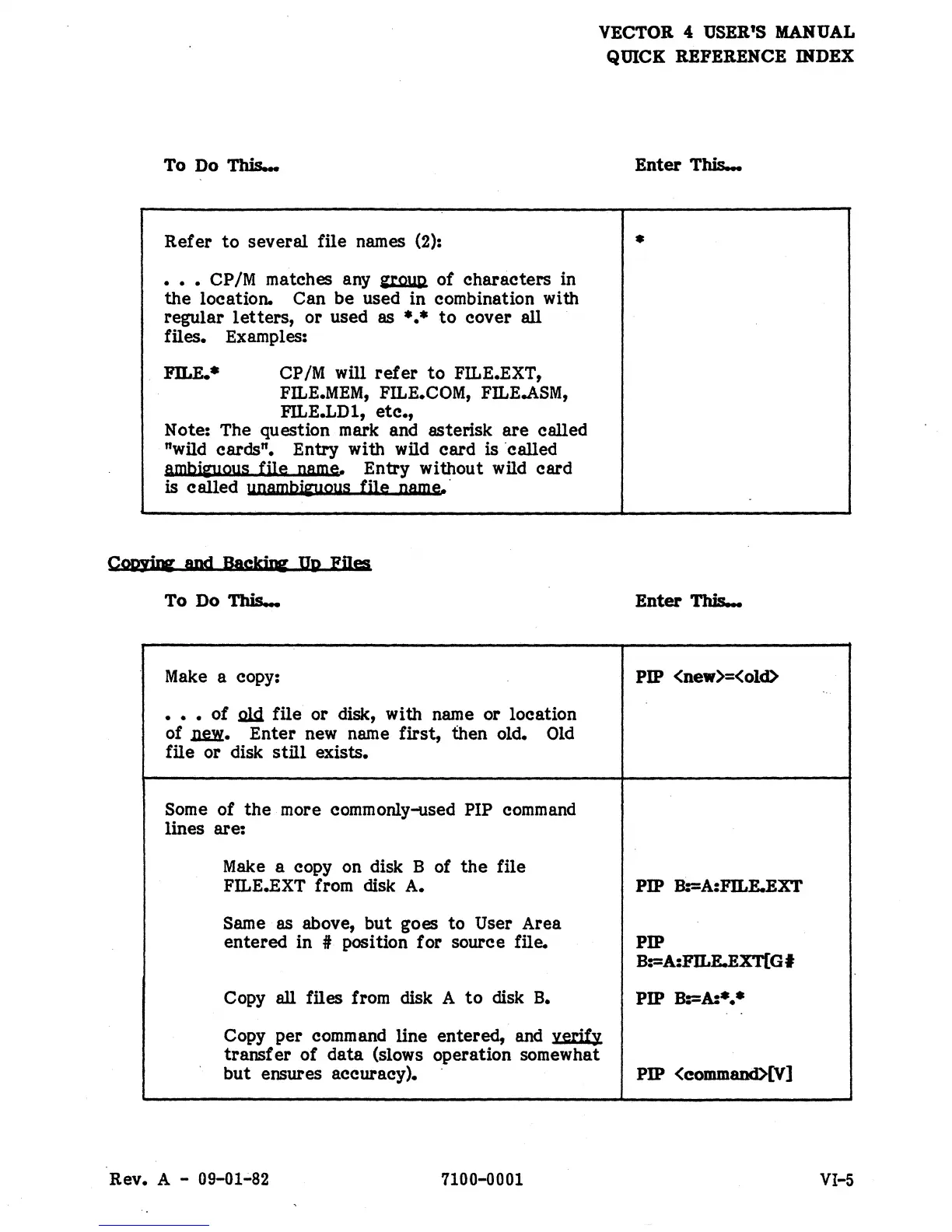
Refer
to
several file names (2):
• • • CP/M matches any
~
of characters in
the
location. Can be used in combination with
regular
letters,
or used as
*.*
to
cover all
files. Examples:
FILE.·
CP/M will
refer
to
FILE.EXT,
FILE.MEM,
FILE.COM,
FILE.ASM,
FILE.LD 1,
etc.,
Note: The question mark and asterisk
are
called
"wild cards". Entry with wild card
is ·called
ambi~ous
file name. Entry without wild card
is called
unambfw,lous
file name.·
Coo.yirc
and
Bacldqr
JJ.p
FUes
To
Do
This...
Make
a copy:
• • • of
.ald.
file or disk, with name or location
of~.
Enter new name first, then old.
Old
file or disk
still
exists.
Some of
the
more commonly-used PIP command
lines are:
Make
a copy on disk B of
the
file
FILE.EXT from disk A.
Same as above,
but
goes
to
User Area
entered in
it position for source file.
Copy all files from disk A
to
disk
B.
Copy per command line entered, and verify
transf
er
of
data
(slows operation somewhat
but
ensures accuracy).
Rev. A -
09-01~82
7100-0001
Enter
This...
•
Enter
This...
PIP <new>=<old>
PIP B:=A:FILE.EXT
PIP
B:=A:FJLE.EXT[GI
PIP B:=A:*
••
PIP <eommand>[V]
VI-5


 To Next Page
 Loading...