EasyManua.ls Logo

Vector Graphic Vector 4 - Page 9

Default Icon
220 pages
Print Icon
To Next Page IconTo Next Page
To Previous Page IconTo Previous Page
Loading...
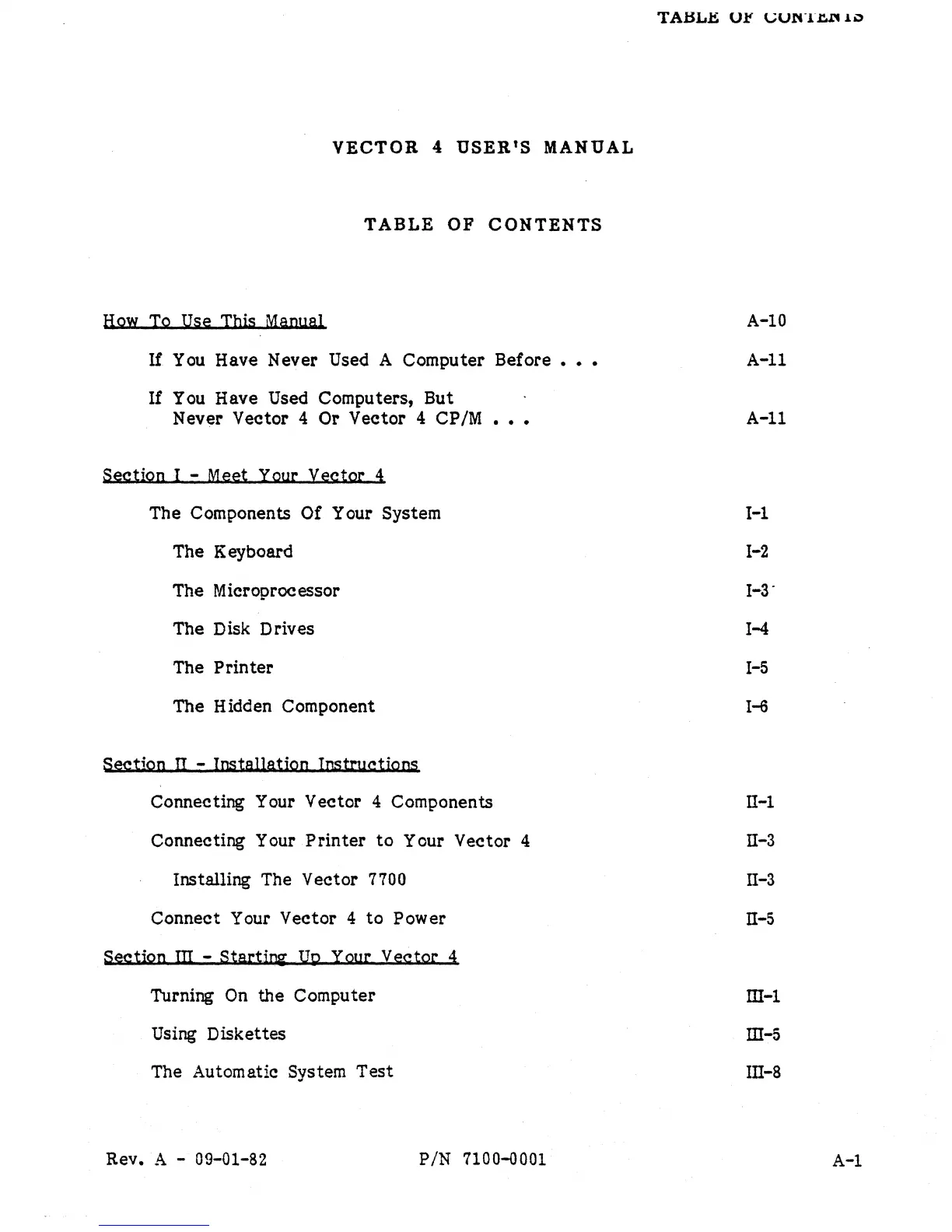
VECTOR
4
USER'S
MANUAL
TABLE
OF
CONTENTS
How
To
Use Tbis Manual
If
You Have Never Used A Computer Before
•••
If
You
Have Used Computers, But
Never
Vector 4 Or Vector 4 CP/M
•••
Section I - Meet Your
vector
4
The Components Of Your System
The Keyboard
The Microprocessor
The Disk Drives
The
Printer
The Hidden Component
SectiQn
II
- lostallatiQn Instructions
Connecting Your Vector
4 Components
Connecting Your
Printer
to
Your Vector 4
Installing The Vector 7700
Connect Your Vector 4
to
Power
SectiQn
m - StartiD2'
UQ
Your Vector 4
Turning
On
the Computer
Using Diskettes
The Automatic
System
Test
Rev. A - 09-01-82
PIN
7100-0001
A-IO
A-II
A-II
1-1
1-2
1-3"
1-4
1-5
1-6
II-1
II-3
II-3
n-5
ill-l
ill-5
lII-8
A-I