VECTOR
GRAPmC,
INC.
This is basically what happens when you turn
off
the
power
to
your computer.
The operating system, which is stored in those
chips
inside
the
case
of
your
computer,
just
"evaporates".
And
when you turn
the
system
on
the
next
day,
there
is
no
more an operating system inside
the
computer
than
there
is any
music
left
inside
your
stereo
the day
after
you play your
latest
album. The
only way either one will
get
there
is off the disk.
With a
stereo,
it
seems
fairly easy to
get
the
information off the disk.
You
take the
record
out
of
the
album
cover,
put
on Side 1
or
2, and
set
the
needle
over
the
track
you want
to
hear. (Of course, the
stereo
only "plays"
the disk, sending the
electric
impulses
out
to
the
speakers.
The
computer
copies
the
information from
the
disk into its memory.)
On
the computer, this action of setting the "tone arm" over the right tracks is
called
booting the system, and
it
is even easier than playing an LP.
To
boot,
just
pr
ess
[F]
for
a
floppy-only
system,
or
[W]
if
you
use
a
hard
disk.
(Booting
doesn't
mean kicking
the
disk drive to
get
it
started.
It comes from
the
phrase
"pulling
yourself
up by your
bootstrapslf,
since
that
is basically
what the computer has
to
do.) The
rest
of the program is automatic.
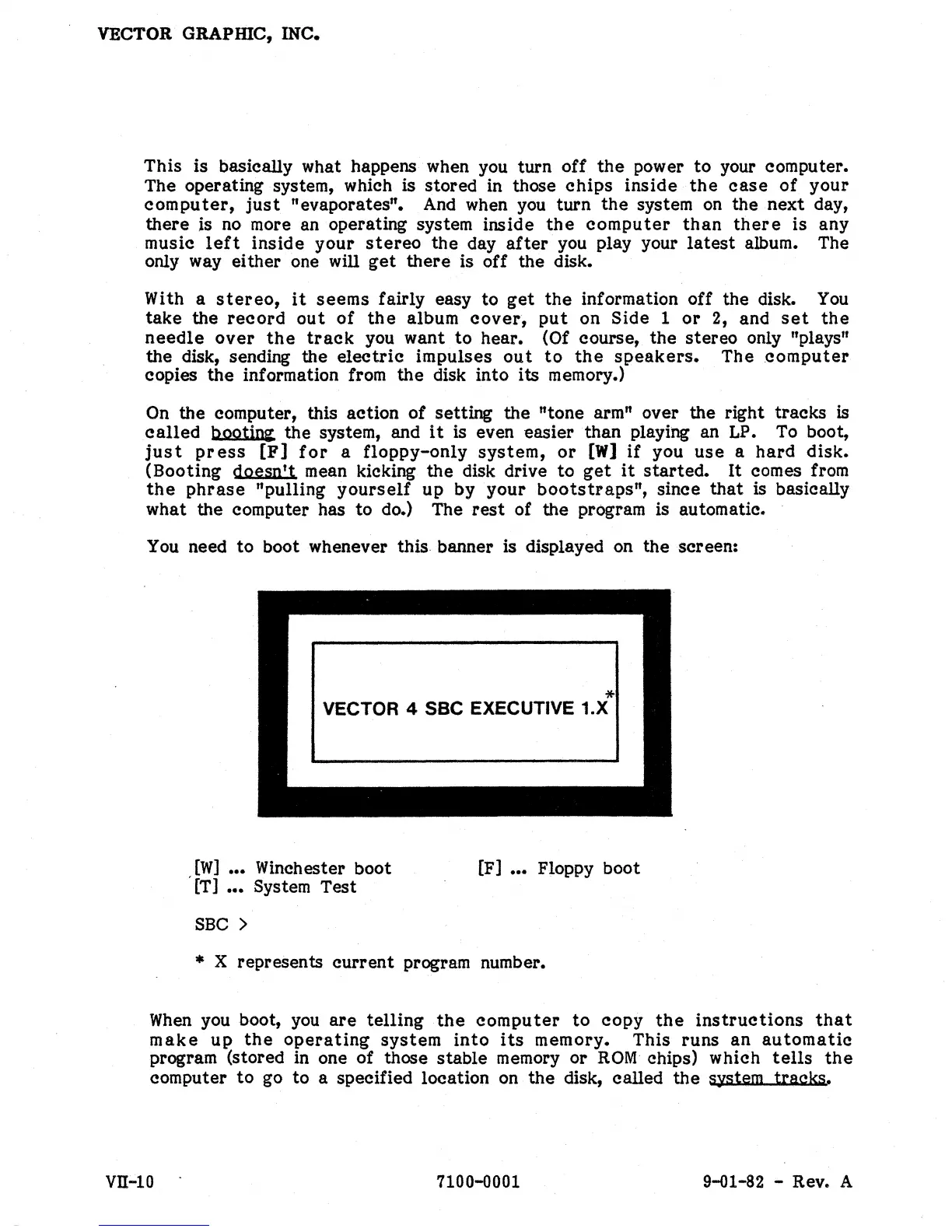
You
need to boot whenever this banner is displayed on the screen:
*
VECTOR 4 SSC EXECUTIVE 1.X
[W]
•••
Winchester boot
[T]
•••
System Test
SBC >
[F]
•••
Floppy boot
* X represents
current
program number.
When
you boot,
you
are
telling
the
computer
to
copy
the
instructions
that
make
up
the
operating
system
into
its
memory. This runs an
automatic
program (stored in one of those stable memory or
ROM
chips) which
tells
the
computer
to
go to a speCified location on the disk, called
the
system tracks.
Vll-IO 7100-0001 9-01-82 - Rev. A


 To Next Page
 Loading...