EasyManua.ls Logo

Vector 4 - Page 168

Vector 4
227 pages
Print Icon
To Next Page IconTo Next Page
To Previous Page IconTo Previous Page
Loading...
VECTOR
4
TECHNICAL
INFORMATION
SECTION
I
-
SELECT
PROM
FOR
U35
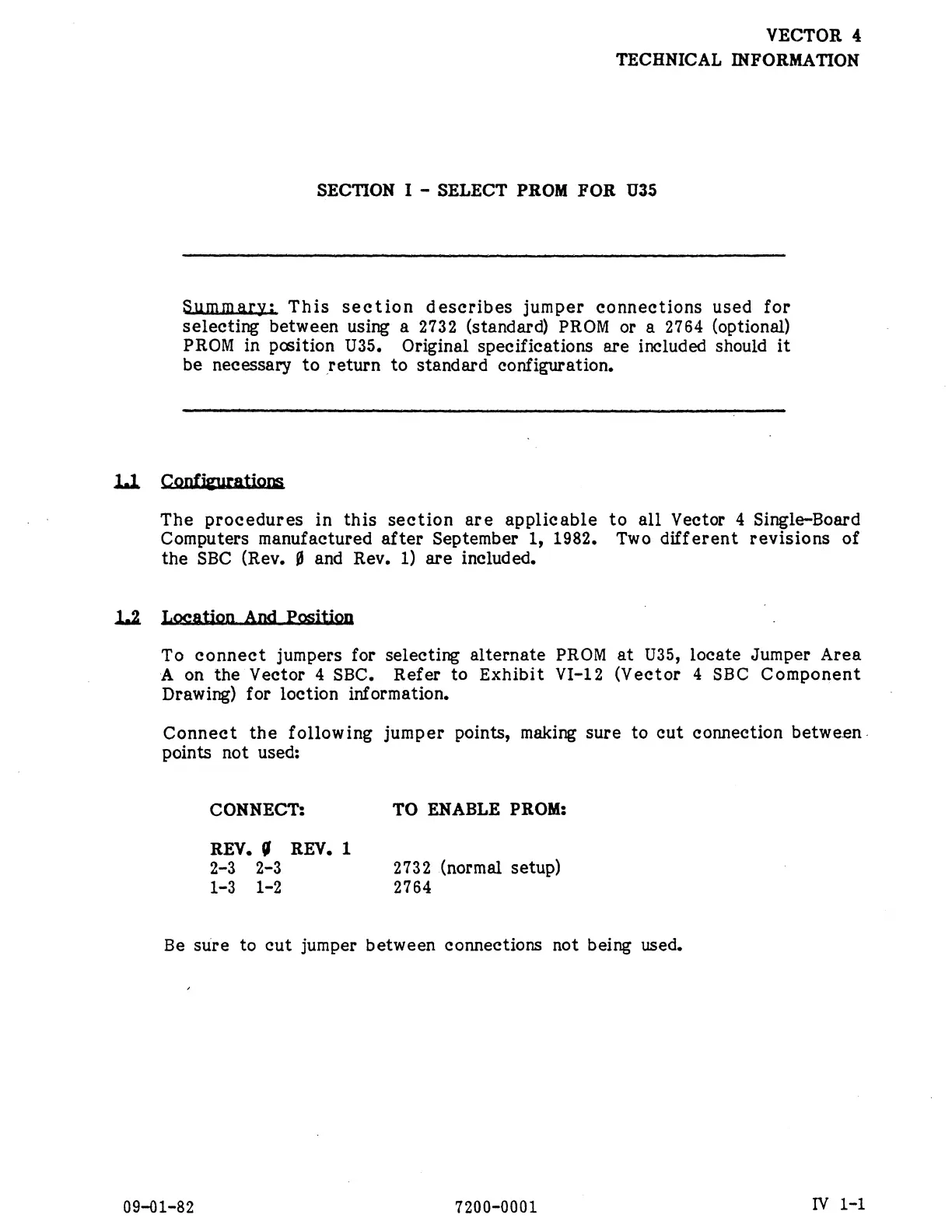
ummary:
This
section
deseribes
jumper
connections
used
for
selecting
between
using
a
2732
(standard)
PROM
or
a
2764
(optional)
PROM
in
position
U35.
Original
specifications
are
included
should
it
be
necessary
to
return
to
standard
configuration.
11
Confieurati
The
procedures
in
this
section
are
applicable
to
all
Vector
4
Single-Board
Computers
manufactured
after
September
1,
1982,
Two
different
revisions
of
the
SBC
(Rev.
§
and
Rev.
1)
are
included.
L2
Loeation
And
Pesiti
To
connect
jumpers
for
selecting
alternate
PROM
at
U35,
locate
Jumper
Area
A
on
the
Vector
4
SBC.
Refer
to
Exhibit
VI-12
(Vector
4
SBC
Component
Drawing)
for
loction
information.
Connect
the
following
jumper
points,
making
sure
to
cut
connection
between.
points
not
used:
CONNECT:
TO
ENABLE
PROM:
REV.
§
REV.
1
2-3
2-3
2732
(normal
setup)
1-3
1-2
2764
Be
sure
to
cut
jumper
between
connections
not
being
used.
09-01-82
7200-0001
|
IV
1-1