EasyManua.ls Logo

Vector 4 - Page 170

Vector 4
227 pages
Print Icon
To Next Page IconTo Next Page
To Previous Page IconTo Previous Page
Loading...
YECTOR
4
TECHNICAL
INFORMATION
SECTION
II
-
SET
UP
MEMORY
FOR
128K
OR
256K
RAM
ummary:
This
section
describes
jumper
connections
used
to
employ
optional
256Kbyte
RAM
(doubling
normal
128Kbyte
memory
capacity).
2.1
Configurations
The
jumper
options
described
here
apply
to
all
drive
configurations
of
the
Vector
4
currently
available
(both
floppy-only
and
hard-
floppy
systems).
Boards
of
both
Revision
§
and
Revision
1
are
covered.
2.2
Location
And
Positi
To
configure
memory
for
256Kbyte
RAM,
locate
Jumper
Area
B
on
the
Vector
4
SBC.
Refer
to
Exhibit
VI-12
(Vector
4
SBC
Component
Drawing)
for
location
information.
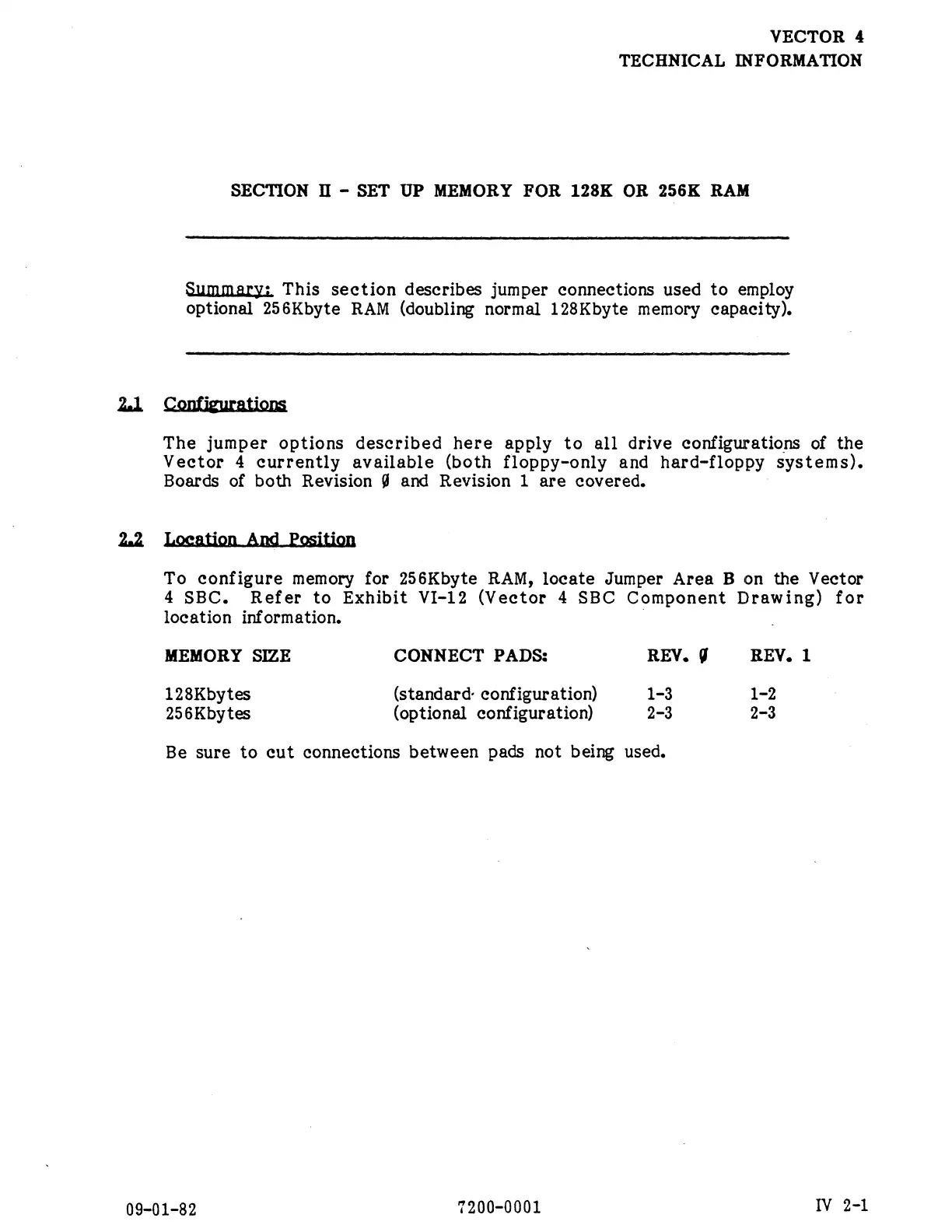
MEMORY
SIZE
CONNECT
PADS:
REV.
{
REV.
1
128Kbytes
(standard-
configuration)
1-3 1-2
256Kbytes
(optional
configuration)
2-3 2-3
Be
sure
to
cut
connections
between
pads
not
being
used.
09-01-82
7200-0001
IV
2-1