EasyManua.ls Logo

Vector 4 - Page 180

Vector 4
227 pages
Print Icon
To Next Page IconTo Next Page
To Previous Page IconTo Previous Page
Loading...
VECTOR
4
TECHNICAL
INFORMATION
SECTION
1
-
PREPARATION
AND
SET-UP
Summary:
By
following
the
instructions
and
information
presented
here,
the
technician
can
be
assuread
that
all
outside
vairables
-
power
sources,
tools,
and
test
programs
-
are
in
the
optimum
conditions
for
troubleshooting
the
Vector
4
SBC.
Since
the
assumptions
presented
here
are
those
on
which
the
troubleshooting
guide was
based,
only
the
system
is
being
tested
here.
Ll
Special
Tools.
Fqui
l
Suppli
Before
troubleshooting
the
Vector
4
SBC,
you
must
have
and
be
experienced
with
the
following
electronic
test
equipment:
35SMHz
oscilloscope
Logic
probe
Multimeter
12
Yector
4
SBC
Power
Requirements
The
Vector
4
uses
a
Switehing
Power
Supply
which
provides
regulated,
DC
voltage
to
the
Monitor
(+12
V),
main
PCB
(+5
V,
=12
V,
+12
V)
and
drives
(+5
V,
+12
V).
For
accurate
troubleshooting,
make
sure that
the
Vector
4
is
supplied
with
current
which
meets
the
following
specifications:
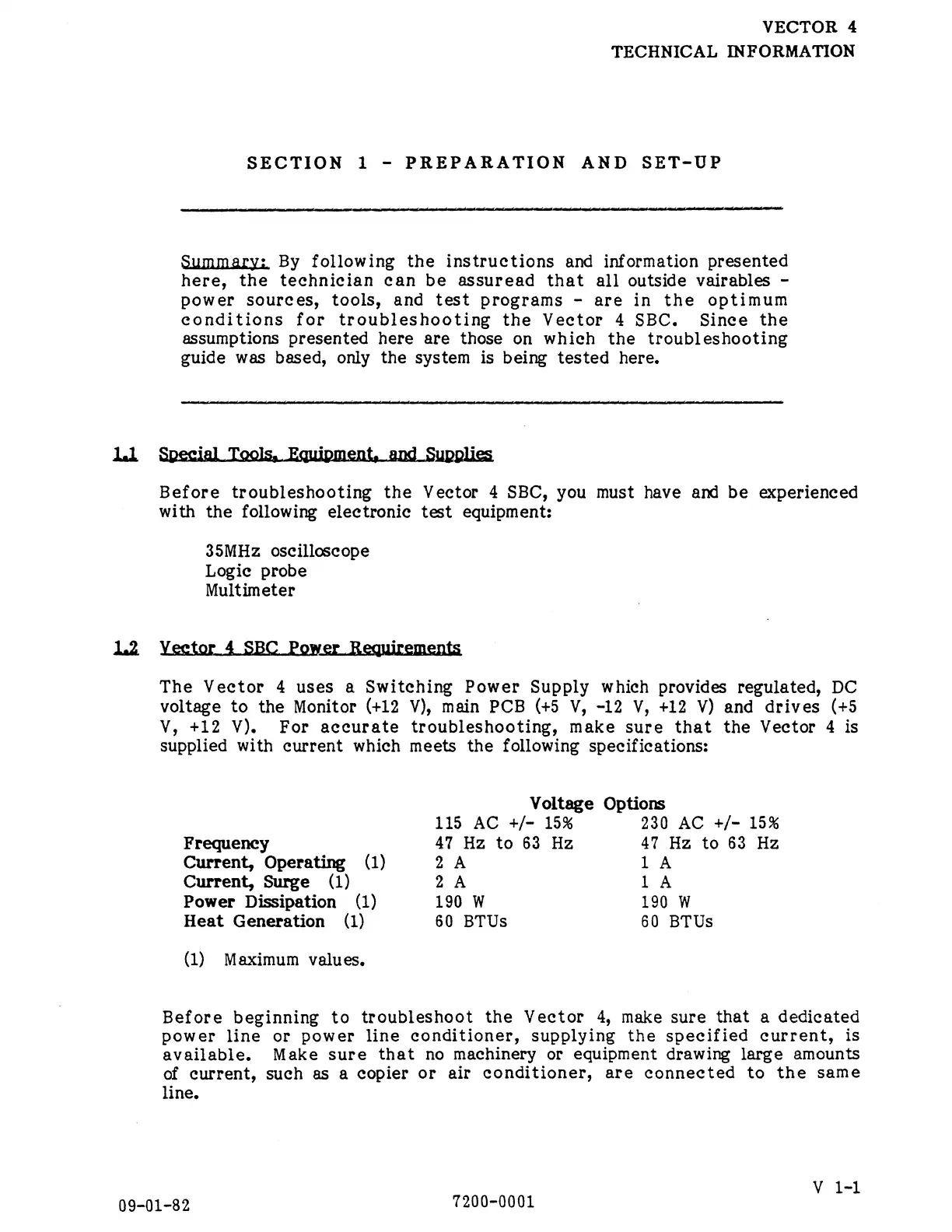
Voltage
Options
115
AC
+/-
15%
230
AC
+/-
15%
Frequency
47
Hz
to
63
Hz
47
Hz
to
63
Hz
Current,
Operating
(1)
2
A
1
A
Current,
Surge
(1)
2
A
1
A
Power
Dissipation
(1)
190
W
190
W
Heat
Generation
(1)
60
BTUs
60
BTUs
(1)
Maximum
values.
Before
beginning
to
troubleshoot
the
Vector
4,
make
sure
that
a
dedicated
power
line
or
power
line
conditioner,
supplying
the
specified
current,
is
available.
Make
sure
that
no
machinery
or
equipment
drawing
large
amounts
of
current,
such
as
a
copier
or
air
conditioner,
are
connected
to
the
same
line,
V
1-1
09-01-82
7200-0001