①
②
5 Copyright ©2023 Veeniix All Rights Reserved.
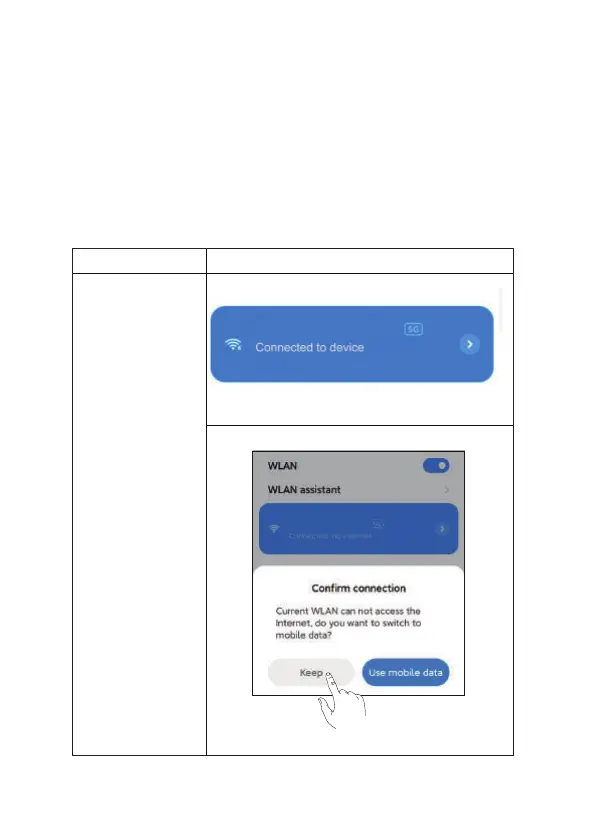
Solution: Reset the network. ALLOW all popover permissions.
Wrong setting: After the wrong setting, the mobile phone CAN connect
to the Wi-Fi of the aircraft, but after entering the APP, the image
transmission of the aircraft will not be displayed.
Annotation:
The display of no connection or insecure network is a normal message
of the mobile phone and does not affect the use of the phone.
Select “OK” to allow the APP to access the mobile network.
③
④
Mobile phone system
Android
Wi-Fi display
Wi-Fi Setting
Veeniix_V11_MINI_******
Veeniix_V11_MINI_******



 To Next Page