-16-
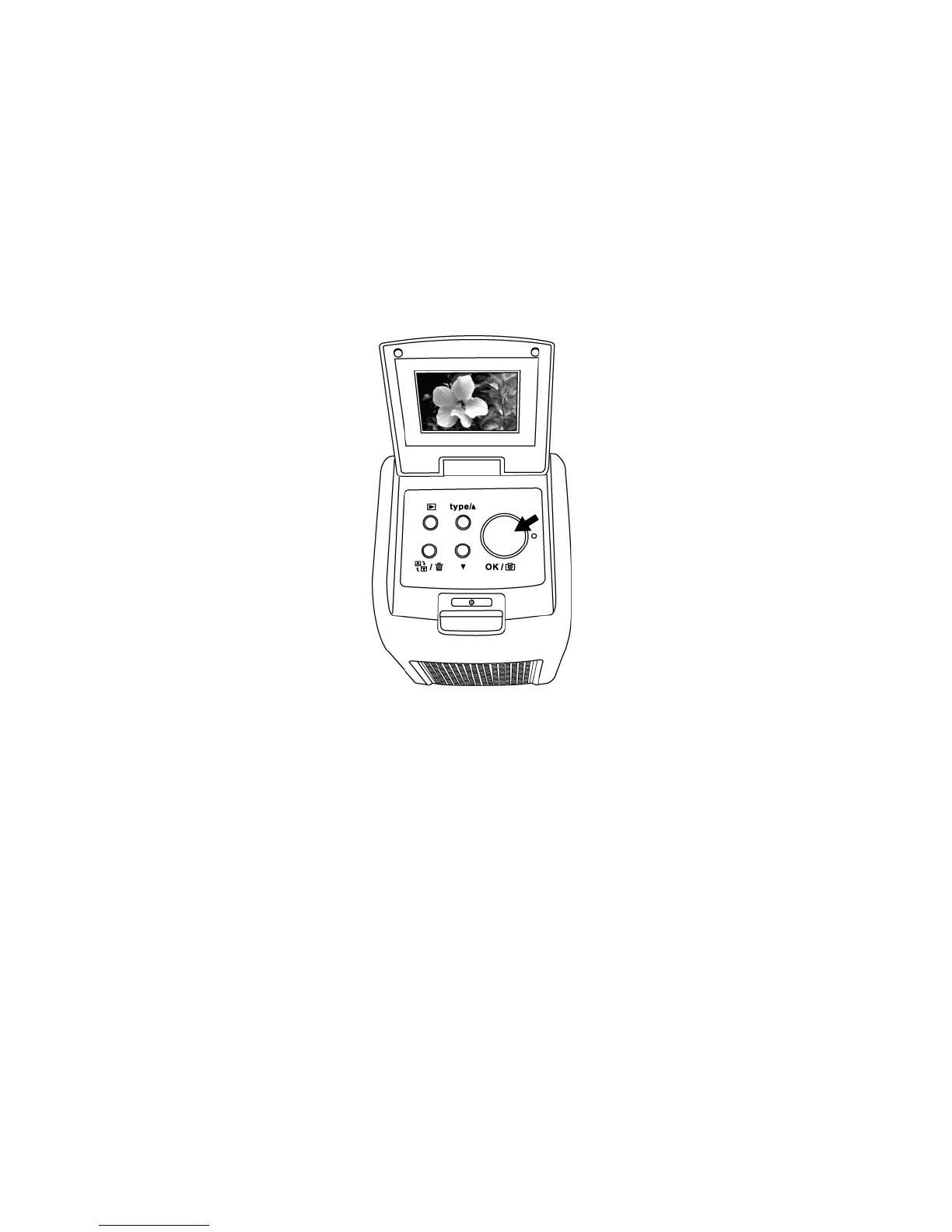
5. Press Copy button to convert picture to Digitize image.
To get the best Digitize image wait for the image display
on the LCD screen to adjust the brightness until it
becomes stable. It normally take 3~4 seconds,
depending on the brightness of your film.
Note: For power saving the copier will automatically turns
to sleep condition if you are not using it for more
than 3 minutes. You may wake up the copier by
pressing any one of the button.
If the copier is not using for more than 6 minutes it
will turn off automatically.


 To Next Page