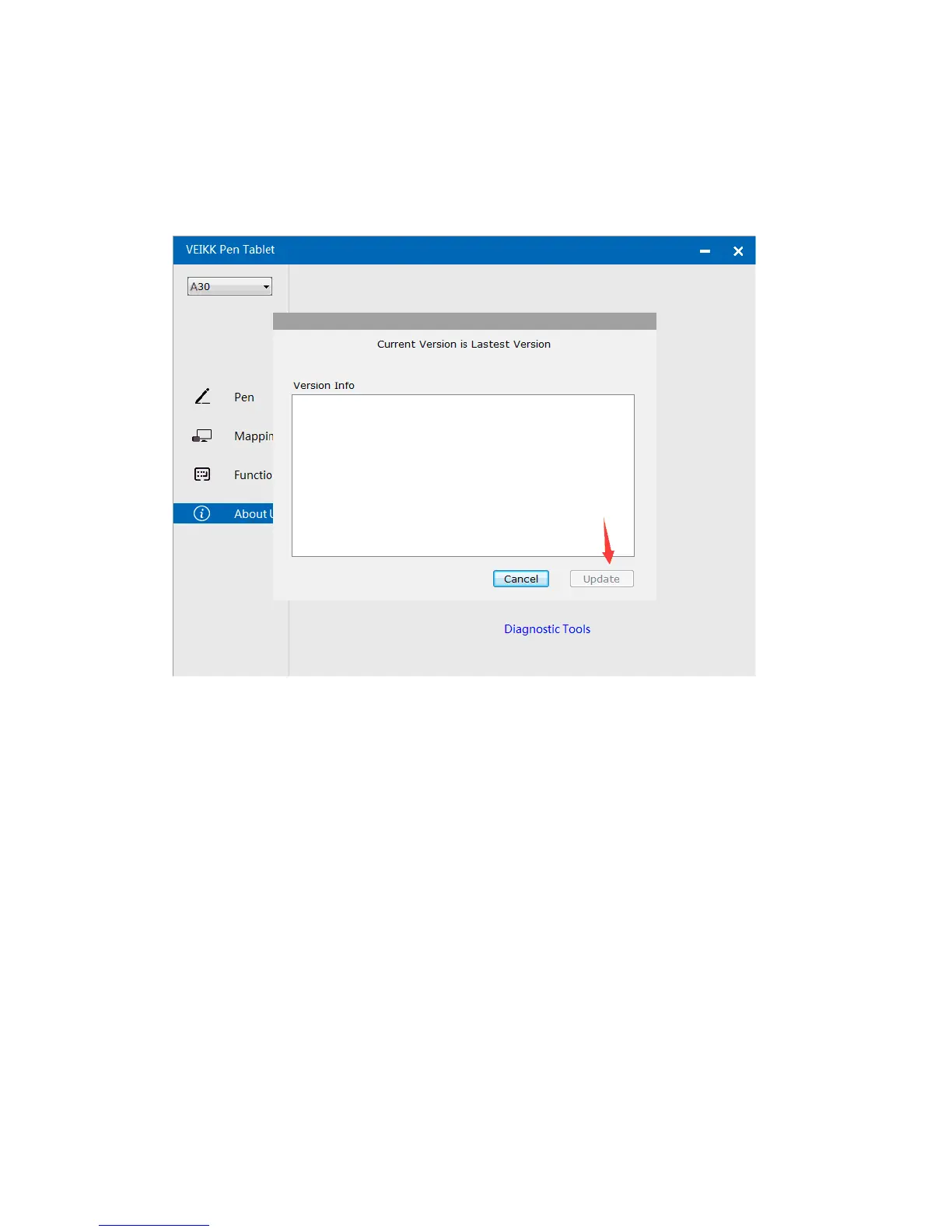
Check for updating:If you want to install the newest driver,click”Check for
updating”, if there is no response,that means the driver you installed is the
newest;if you find newest driver in the list,you just need to update.
Diagnostic Tools:Check for missing key files
15


 To Next Page