17
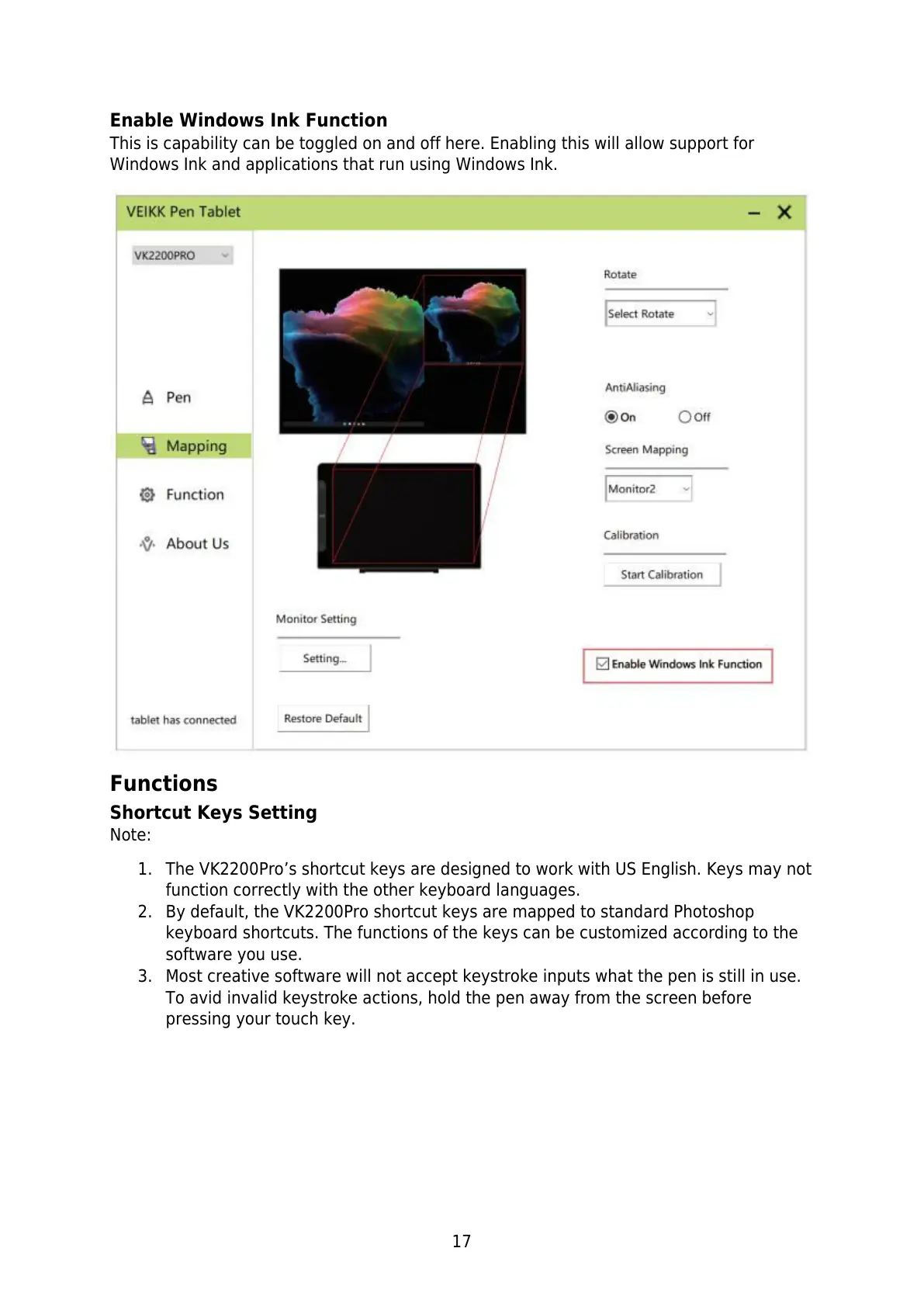
Enable Windows Ink Function
This is capability can be toggled on and off here. Enabling this will allow support for
Windows Ink and applications that run using Windows Ink.
Functions
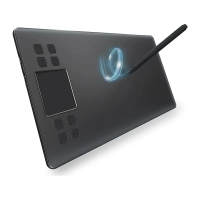
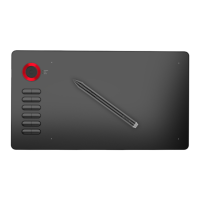
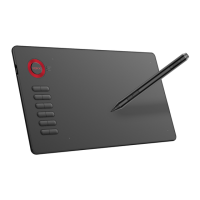
Shortcut Keys Setting
Note:
1. The VK2200Pro’s shortcut keys are designed to work with US English. Keys may not
function correctly with the other keyboard languages.
2. By default, the VK2200Pro shortcut keys are mapped to standard Photoshop
keyboard shortcuts. The functions of the keys can be customized according to the
software you use.
3. Most creative software will not accept keystroke inputs what the pen is still in use.
To avid invalid keystroke actions, hold the pen away from the screen before
pressing your touch key.



 To Next Page