6.0 Printer/computer Installation
This section describes the method used for connecting a serial printer to the Model
5 for printing purposes. The printer can be any serial ASCII compatible unit
which can accept data from a RS-232 compatible transmitting device.
6.1 Connecting to TB2
Use the supplied 7-pin connector to attach the printer/computer cable to the
Model 5 using the following pin out and install the connector to TB2 to complete
the installation:
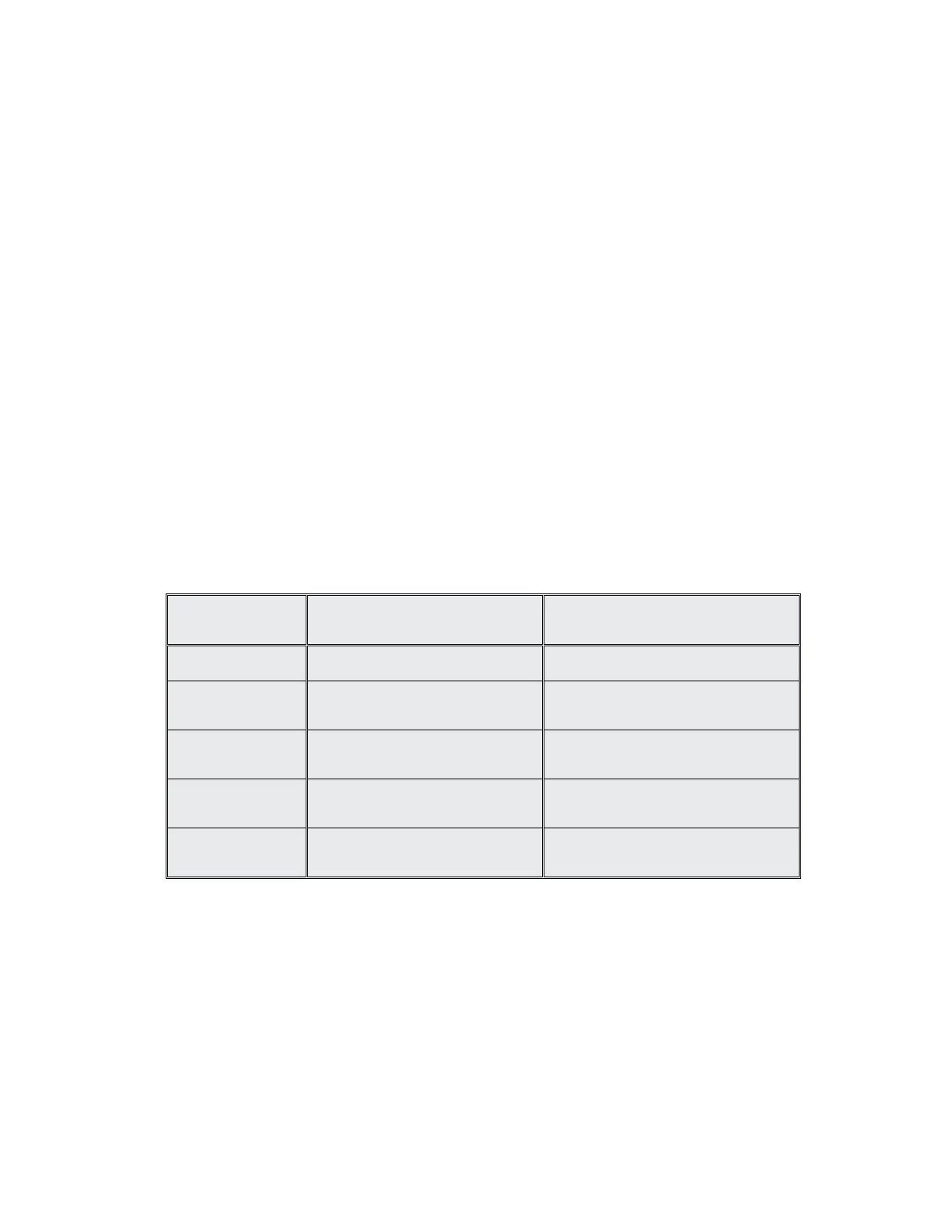
TB2 PRINTER COMPUTER
GND GROUND GROUND
TXD DATA INPUT DATA INPUT
RXD N/A DATA OUTPUT
RTS N/A RTS Line (if used)
CTS CTS Line (if used) CTS Line (if used)


 To Next Page