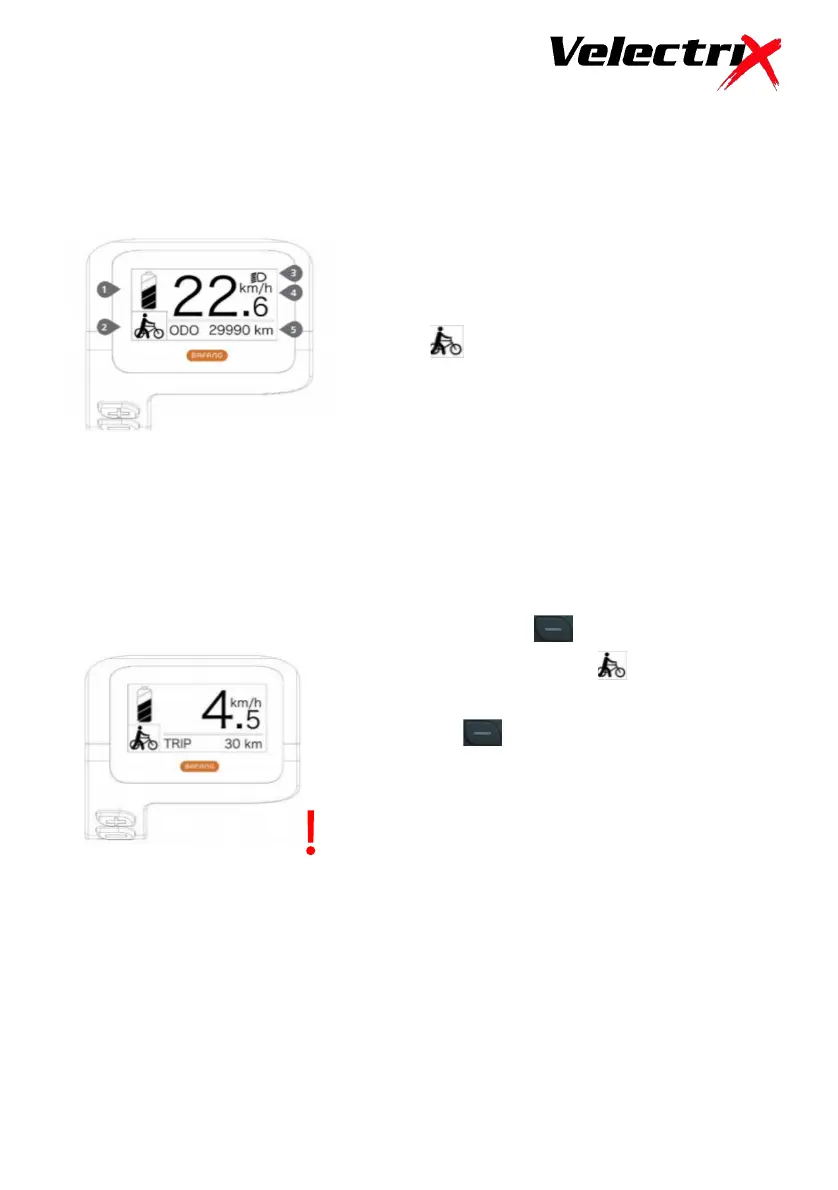
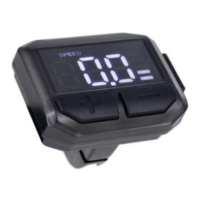
1. Battery Level Indication.
2. Power Assistance Indication.
Levels 0 to 5. 0 is no assistance.
5 is maximum assistance.
indicates walk mode is
operational.
3. Lighting Indicator.
4. Current Speed Indicator.
5. Multi-function Indicator – Trip,
Odometer, Average Speed, Range
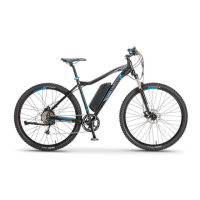
Press and hold the button to engage the
Walk Assist function. The icon will appear
in the display and the bike will assist to 6 kph.
Release the button to exit the Walk Assist
mode.
The walk assist feature is not a riding mode.
It is designed to assist with walking the bike
up an incline to a maximum of 6 kph.


 To Next Page