Page 7
Additional Functions
Trip Meter
To reset the trip meter, briefly press and together to enter the
display setting menu. Now briefly press or to select Trip Reset and
briefly press . Now briefly press or to select YES or NO (yes will
reset the trip, no will not reset the trip). Briefly press to save the setting
and exit back to the Trip Reset. Now press and hold and at the
same time to save and exit back to the display setting menu. Select exit.
When resetting the trip meter, it also resets riding time, average speed and
maximum speed at the same time.
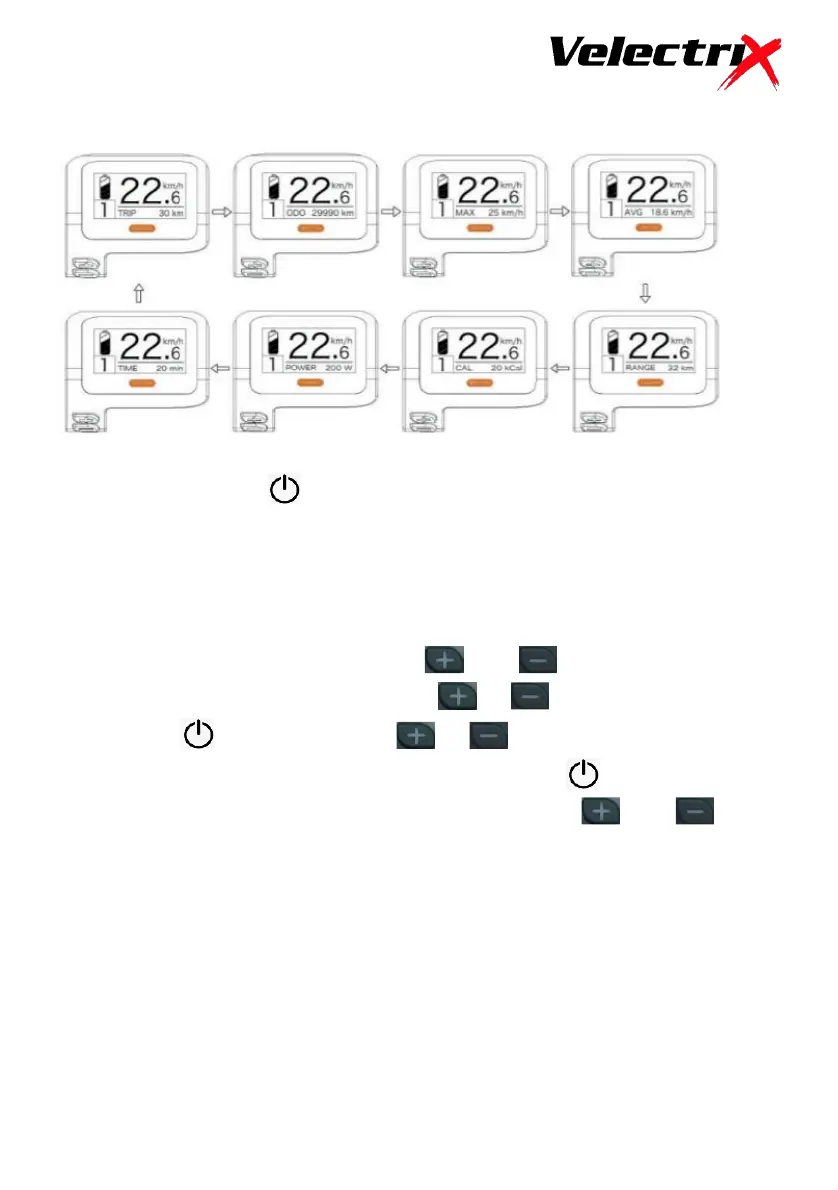
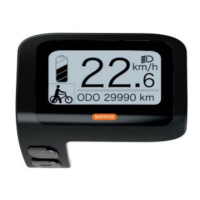
Briefly pressing the button will allow you to toggle through the
Additional Functions such as Odometer, Maximum Speed etc. The
default Function is Current trip.


 To Next Page