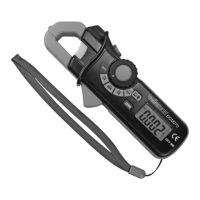
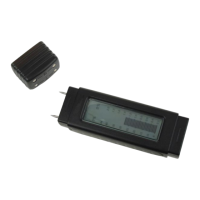
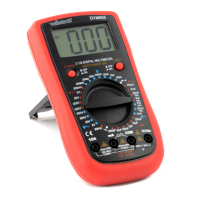
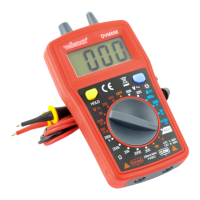
DCM268N
V. 02 – 20/08/2018 8 ©Velleman nv
10. COM jack
11. V//CAP/TEMP/Hz jack
9. Operation
GENERAL
When the range of the measured signal is unknown, start measurement
in auto-range mode, and then select range according to indicated value.
The display shows “OL” when the present range limit is exceeded. Select
a higher range to continue measurement.
Do not measure voltages > 600 V or current higher than 1000A. Never
turn the rotary function switch [3] during measurement.
The device will go in sleep mode when no activity is detected for ±20
min.
For all measurements: pressing the data hold button [4] freezes the
currently measured value until the data hold button [4] is pressed again.
The hold-mode is indicated by the H-symbol in the display.
To switch on the backlight, press the backlight button [8], to switch it
off, press the backlight button [8] again. The use of backlight will reduce
battery life.
Peak hold function: for AC measurements, pressing the peak hold
button [6] once will show only the maximum measured value on the
display [9], indicated with a PMAX indicator. Pressing the peak hold
button [6] again will show only the minimum measured value on the
display [9], indicated with a PMIN indicator. To exit the peak hold
function, press and hold the peak hold button [6] for ±3 seconds until
the PMAX or PMIN indicator disappears.
AC (TRUE RMS)/DC VOLTAGE MEASUREMENT
Connect the red test lead to the V·Ω·CAP·TEMP·HZ jack [11] and the
black lead to the COM jack [10].
Set the rotary function switch [3] in the position.
Use the mode button [5] to choose between AC and DC voltage.
Connect the test leads parallel to the source being measured.
Read the voltage value on the LCD display [9] along with the polarity of
the red lead connection.
For AC measurement, press the peak hold button [6] to hold either
maximum or minimum measured value (see Peak hold function).



 To Next Page
 Loading...