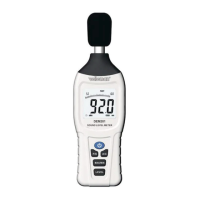
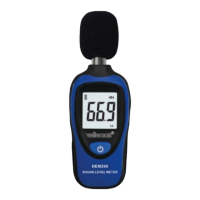
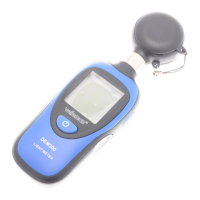
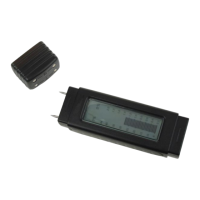
DEM500
V. 01 – 07/05/2015 5 ©Velleman nv
3. Hold the sensor close to the source to be measured. The display shows
the measured value.
4. When powered off, keep the MIN/MAX button pressed and switch on
the meter to change the temperature measurement unit. Power off and
repeat to change again. Temperature will be measured automatically.
5. Briefly press the MIN/MAX button to freeze the reading on the display.
Press again to unfreeze.
6. Hold the MIN/MAX button for 3 seconds to display the recorded
maximum value, briefly press to display the recorded minimum value,
hold pressed to exit the function.
7. Press the on-off button for 3 seconds to switch off the meter.
8. Cleaning and Maintenance
Wipe the device regularly with a moist, lint-free cloth. Do not use
alcohol or solvents. DO NOT submerge the device in any liquid.
Store the meter in a dry place away from humidity and vibrations.
Remove the battery when the meter is to be stored for long periods of
time.
9. Technical Specifications
-20° C to 70° C (-4° F to 158° F)
± 3.0 % RH (@ 23° C ± 5° C)
± 4.0 % RH (@ 23° C ± 5° C)
range -20° C to 70° C
(-4° F to 158° F)
-20° C to 60° C (14° F to -140° F);
< 80 % RH non-condensing
-20° C to 60° C (14° F to -140° F);
< 80 % RH non-condensing


 To Next Page
 Loading...