16 VELUX
®
VELUX
®
17
A
A
A
B
B
B
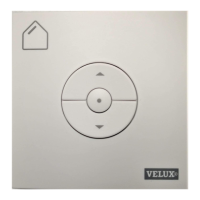
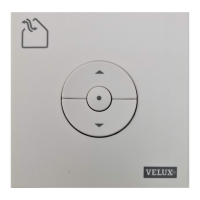
Set-up of a new KLI in addition to an existing KLI
Important: The new KLI must be universal KLI 310 or same model as
the existing KLI.
A: Existing KLI
B: New KLI
1
Prepare the product for registration by pressing the Wheel buttons
for 1 second.
The product will start running briefly back and forth.
2
Press Rectangle button on the new KLI wall switch for 1 second.
The product is now controlled by both KLI wall switches.
1 2
1 sec1 sec



 To Next Page
 Loading...