Need help?
Do you have a question about the Velux KLR 300 and is the answer not in the manual?
Remove the protective tab from the device before initial use.
Choose the correct geographical region for optimal device performance.
Initiate product transfer from existing VELUX controls to the new device.
Verify product transfer status and readiness of the VELUX Touch device.
Configure settings, product category, home lock, stop function, and ventilation timer.
Select and manage individual products or defined groups for control.
Set precise operational positions like ventilation or percentage levels for products.
Modify product order, delete products, edit group members, and group names.
Access help, edit lock home, silent operation, ventilation timer, and about VELUX Touch.
Add new products via import or copy VELUX Touch configuration via export.
Replace batteries with specified AAA, 1.5 V non-rechargeable types.
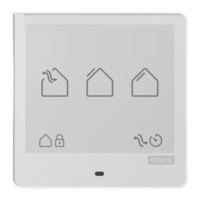
Install the VELUX Touch device onto the wall using the magnetic holder.
 General
| Type | Remote Control |
|---|---|
| Power Source | Battery |
| Display | LCD |
| Operating Range | Up to 30 meters indoors |
| Compatibility | VELUX INTEGRA products |
| Operating Temperature | 0°C to +50°C |

 To Next Page