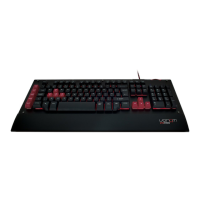
Special Feature Combo Keys
Win + L Locks Windows
Function + W Toggles the W, A, S,
D keys to become Up,
Left, Down, Right
Function + Q Speeds up the key
stroke transmission rate
EEPROM
(Function + Rec)
Clear all macro
recordings by holding
Function + Rec for 3
seconds
Media Keys
Function + F1 Media Player
Function + F2 Volume -
Function + F3 Volume +
Function + F4 Mute
Function + F5 Stop
Function + F6 Previous
Function + F7 Play / Pause
Function + F8 Next
Function + F9 Email
Function + F10 Web home page
Function + F11 Locks keyboard
Function + F12 Calculator
Troubleshooting
In the unlikely event of your Warrior Keyboard
not working, we recommend that you follow
these initial troubleshooting tips:
• Check your operating system is Windows XP,
Windows Vista, Windows 7, Windows 8, Mac
OS X 10.4.x or later.
• Check the USB connection.
• Remove any USB hub.
• Try other USB ports on your computer.
• Reboot your system.
Care and Maintenance
Your device is a product of superior design and
craftsmanship and should be treated with care.


 To Next Page
 Loading...