3
Features
• Ultra-quiet operation.
• Optional cool or warm mist operation.
• Built-in hygrostat for controlled humidification.
How To Use Your Venta-Sonic™ Humidifier
Important!
Place unit on a surface away from direct sunlight. Keep cord away from heated
surfaces and areas where it could be walked on or tripped over.
Fill Water Tank.
Turn off humidifier and unplug unit. Remove tank base. Turn upside down and unscrew
filling cap. Fill tank with clean, cool, distilled, filtered or tap water. Water temperature
should NEVER be too hot or too cold. Extreme temperatures can damage unit.
Tighten filling cap firmly. Return tank to base and let sit for a few minites.
Mist Selection
You can select cool or warm mist. At low temperature, you had better select warm mist.
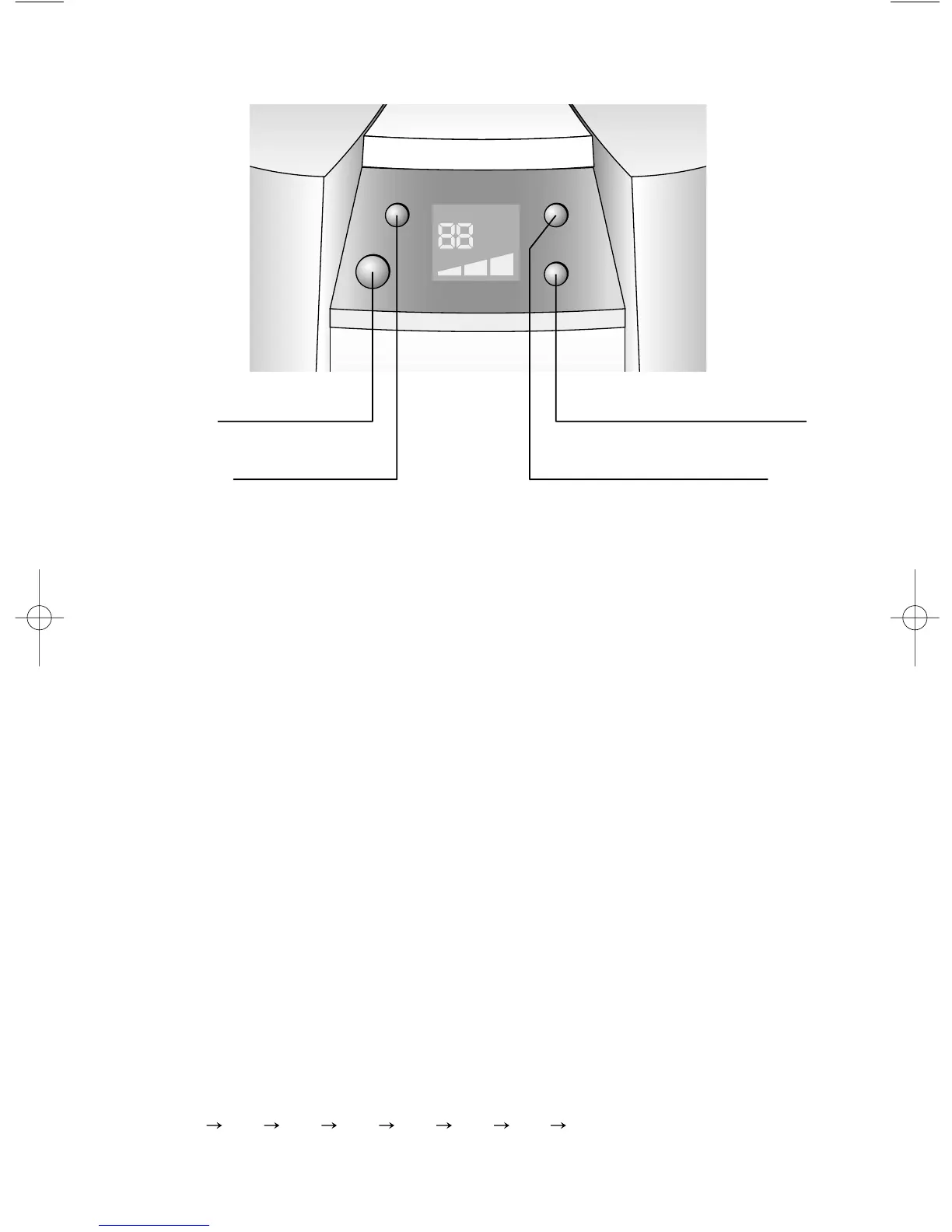
Push WARM MIST BUTTON for selection. Press once for warm mist. Press two times
for cool mist. For warm mist, you may wait for about 15min until cold mist turns into warm.
Humidity Control
Press HUMIDITY BUTTON for humidity control.
Ranging from 60%~30%, humidity increases 5% with one press.
(30% 35% 40% 45% 50% 55% 60% Co)
"Co" means the unit runs until no water remains in a tank at any temperature.


 To Next Page