EasyManua.ls Logo

Ventec Life Systems Vocsn V+Pro - User Manual

Ventec Life Systems Vocsn V+Pro
194 pages
Print Icon
To Next Page IconTo Next Page
Loading...
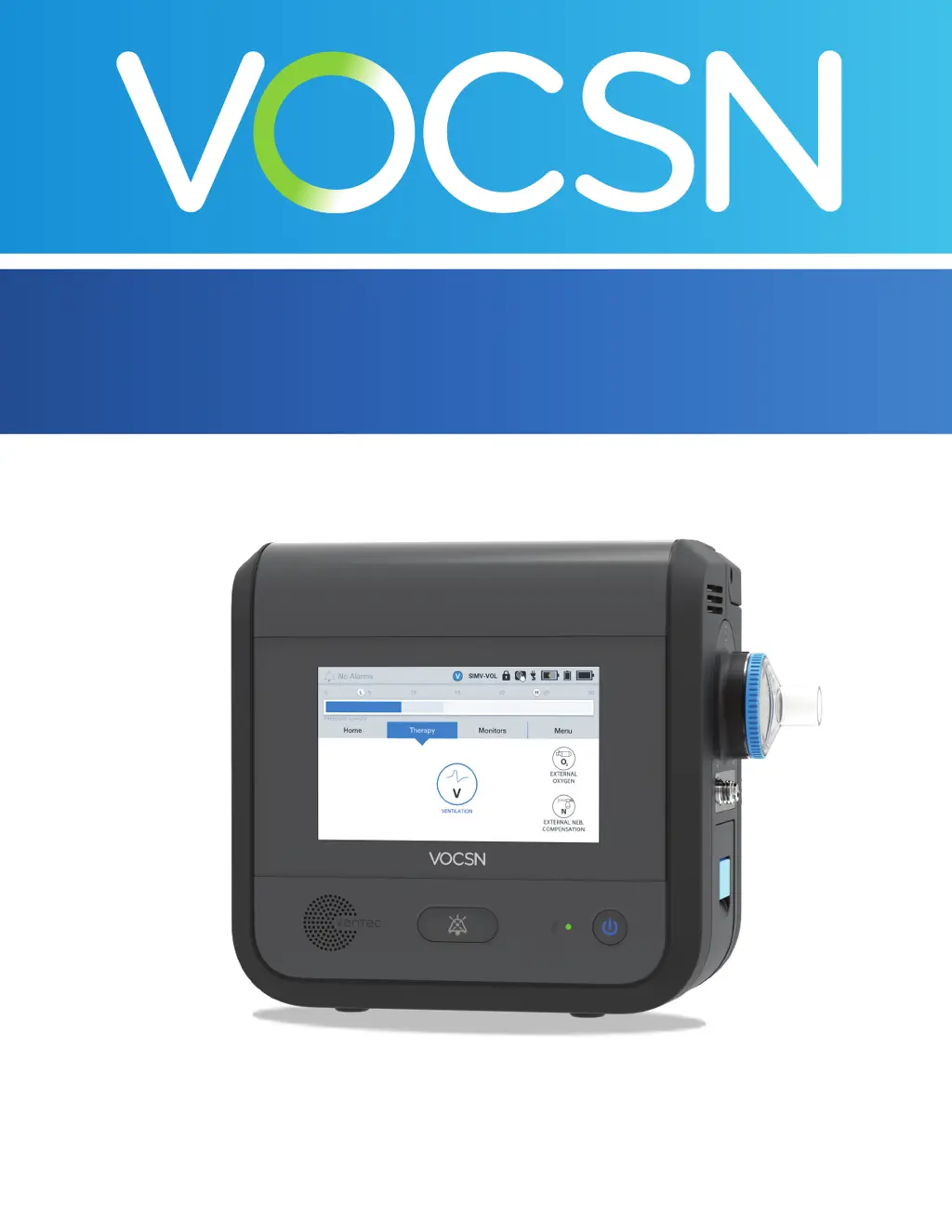
Clinical and Technical Manual
V+Pro Emergency Conguration, Software Versions 4.08 to 4.13

Table of Contents

Other manuals for Ventec Life Systems Vocsn V+Pro

Questions and Answers

  • W
    William AguilarAug 3, 2025
    What to do if my Ventec Life Systems Vocsn V+Pro Medical Equipment won't power on?
    • G
      gabriel30Aug 3, 2025
      If your Ventec Life Systems Medical Equipment won't power on, it could be due to fully discharged internal and removable batteries. Try plugging the equipment into a functional wall outlet that is not controlled by a switch to charge the batteries. If this doesn't solve the problem, it may require service.
  • M
    Ms. Shelby Johnson DDSAug 8, 2025
    Why is my Ventec Life Systems Medical Equipment abnormally warm?
    • J
      janet17Aug 8, 2025
      If your Ventec Life Systems Medical Equipment enclosure is abnormally warm, it could be because the air and/or fan filter is clogged. Clean and replace the air and fan filter. If the filters appear damaged, replace them.
  • C
    Colin PadillaAug 13, 2025
    What to do if my Ventec Life Systems Medical Equipment performance changes?
    • R
      richardsmichaelAug 13, 2025
      Changes in the performance of your Ventec Life Systems Medical Equipment can occur due to several reasons. * First, move the equipment away from potential sources of electromagnetic interference (EMI), such as MRI equipment, medical imaging systems, security systems, appliances, wireless communications equipment (like cell phones), computers, and televisions. * Second, try restarting the equipment by pressing the On/Off button to power it off, and then pressing the On/Off button again to restart it. If the issue persists, the equipment may require professional service.
  • H
    Heather AlexanderAug 18, 2025
    Why are the batteries on my Ventec Life Systems Medical Equipment not charging?
    • S
      Shirley JohnsonAug 18, 2025
      If the batteries on your Ventec Life Systems Medical Equipment are not charging, it could be due to a couple of reasons. One possibility is that the equipment is operating at a temperature outside its environmental specifications, or the batteries are overheated. Ensure the equipment is not near a heat source and move it to a cooler location if necessary. Another reason could be that the fan filter is clogged, causing the equipment to overheat. Try cleaning the fan filter.
  • J
    Julie PadillaAug 23, 2025
    How to fix abnormally warm gas flowing through the Ventec One-Circuit on my Ventec Life Systems Vocsn V+Pro Medical Equipment?
    • P
      Patrick JonesAug 25, 2025
      If abnormally warm gas is flowing through the Ventec One-Circuit of your Ventec Life Systems Medical Equipment, several factors could be responsible: 1. A clogged air filter. Clean and replace the air filter; if damaged, replace it with a new one. 2. Improper ventilation. Ensure the equipment is away from cluttered areas, bedding, curtains, or anything that could impede airflow. 3. Proximity to a heat source. Move the equipment out of direct sunlight and away from other heat sources. If the issue persists, the equipment may require service.
  • L
    Laura HudsonAug 28, 2025
    What to do if my Ventec Life Systems Vocsn V+Pro won't power off?
    • A
      Alexandra ButlerAug 28, 2025
      If your Ventec Life Systems Medical Equipment won't power off, and the touchscreen is unresponsive, press and hold the power button for more than 10 seconds.

Summary

Introduction

Therapy Overview

Explains how VOCSN V+Pro ventilates and provides oxygenated air, minimizing external equipment needs.

VOCSN Configuration

Details the V+Pro Emergency configuration for ventilation and oxygen therapy from various sources.

Leak+ Performance Feature

Describes the Leak+ feature for high flow ventilation and leak compensation.

Ventilation Capabilities

Covers VOCSN's invasive/non-invasive ventilation, modes, presets, and permissions features.

Portability Features

Details VOCSN's design for patient transport, including battery power options.

Indications for Use

Specifies the intended use of the VOCSN system for ventilatory support.

VOCSN Training Requirements

Highlights the necessity for clinician and caregiver training on VOCSN operation.

Suggested Environments of Use

Lists suitable environments for VOCSN operation, including home, hospital, and transport.

Getting Started with VOCSN

Provides information on package contents, initial setup, and contraindications.

System Overview

Identifies and describes the components and ports of the VOCSN device.

Setup Procedures

VOCSN Placement and Power Setup

Instructions for placing the VOCSN unit and connecting power sources, including batteries and AC adapter.

Ventec One-Circuit Setup Procedures

Detailed steps for connecting various Ventec One-Circuit types and components for therapy delivery.

Connecting Circuit Components and Interfaces

Guidance on connecting bacterial filters, humidifiers, HMEs, and specific patient interfaces.

Oxygen Therapy Setup and Connections

Procedures for setting up and connecting external high- and low-pressure oxygen sources.

Connecting Alarm Systems

Instructions for connecting remote alarms or nurse call systems to the VOCSN device.

Running the Pre-Use Test

Procedure for performing the essential Pre-Use Test to ensure circuit integrity and therapy accuracy.

Breath Types and Therapy Modes

Understanding Breath Types

Explanation of mandatory, assist, and spontaneous breath types and their delivery.

VOCSN Ventilation Modes Overview

Detailed descriptions of all nine available VOCSN ventilation modes and their operation.

Mode-Specific Operation Details

Explains Bi-Level, Spontaneous, Assist/Control, SIMV, and Volume Targeted modes.

Comparable Ventilation Mode Settings

Comparison of VOCSN modes with standard ventilation modes and controls.

The Touchscreen Interface

Touchscreen Navigation and Locking

Instructions on locking/unlocking the touchscreen and basic navigation principles.

Status Bar Indicators Explained

Detailed explanation of all icons and indicators present in the VOCSN status bar.

Navigating VOCSN Screens

Overview of Home, Therapy, Monitors, and Menu screens, including display modes.

Menu Screen Functions and Access

Accessing system settings, tests, logs, and other key functions via the Menu screen.

System and Configuration Settings Access

Accessing device settings, permissions, and clinician unlock functions.

Controls and Settings Management

Ventilation Therapy Configuration

Setting up and adjusting ventilation therapy parameters and presets.

Specific Ventilation Configurations

Guidance for configuring mouthpiece and high flow ventilation therapies.

Oxygen and Nebulizer Settings Management

Configuring oxygen delivery modes, sources, and nebulizer compensation.

Clinician Access and Permissions Control

Managing device security through clinician access and control permissions.

Device Settings Management

Adjusting general device settings like language, date, time, and alarm volume.

Alarms and Notifications

Alarm System Overview and Silencing

Understanding alarm priorities, indicators, and how to silence active alarms.

Managing and Changing Alarm Settings

Procedure for modifying alarm limits for ventilation and oxygen therapies.

Detailed Alarm Conditions and Actions

Descriptions and recommended actions for all possible VOCSN alarm conditions.

Accessing Alarm and Event Logs

Viewing and clearing alarm logs, and accessing event logs for system monitoring.

Monitors and Data Display

Monitor Display and Customization Options

Overview of available monitors, screen customization, and waveform display.

Ventilation Therapy Monitors Detailed

Details on monitors for breath rate, EPAP, Vte, flow, and waveforms.

Oxygen and Nebulizer Monitor Functions

Explanation of FiO2 and Nebulizer Minutes Remaining monitors.

System Status Monitors Overview

Monitoring system parameters like date, time, and usage hours.

Multi-View Reporting System

Multi-View Overview and Data Export

Introduction to VOCSN's reporting solution and exporting data to USB.

Generating and Reading Multi-View Reports

Step-by-step guide for creating and interpreting patient data reports.

Understanding Report Content Details

Explanation of trends, compliance, settings, and logs within Multi-View reports.

Checkout Procedure

Initial Device Checks and Tests

Performing visual inspections and the Inop alarm test for system readiness.

Power System Verification Procedures

Testing external power, removable, and internal batteries for proper function.

Therapy System Testing Protocols

Procedures for testing ventilation, oxygen, and alarm system functionality.

Ventilation Alarm Verification Steps

Specific steps to verify the correct activation of ventilation alarms.

Final Control and Alarm Configuration Verification

Ensuring all control and alarm settings are correctly configured before patient use.

Operating Instructions

Safety and Initial Device Operation

Essential safety precautions and steps for powering on the VOCSN device.

Starting Ventilation Therapy Procedures

Procedure for initiating ventilation therapy and managing therapy presets.

Changing Ventilation Therapy Presets

Instructions for switching between different pre-configured ventilation therapy presets.

Starting Oxygen and Nebulizer Therapies

Guidance for starting oxygen therapy, O2 flush, and nebulizer compensation.

Alarm Response and Device Powering Off

Procedures for responding to alarms and safely powering down the VOCSN device.

Cleaning and Maintenance Guidelines

VOCSN Unit Cleaning Procedures

Instructions for cleaning the VOCSN exterior and its air and fan filters.

Component Replacement Guidelines

Procedures for replacing Ventec One-Circuit and its components, including filters.

Maintenance Schedule and Battery Care

Recommended maintenance tasks, battery charging, and storage procedures.

Software Updates and Environmental Concerns

Information on software updates, disposal, and shipping considerations.

Glossary of Terms and Symbols

Glossary of Symbols and Indicators

Definitions for symbols and icons appearing on the VOCSN device.

Glossary of Key Terms

Alphabetical listing and definitions of key terms used in the manual.

Troubleshooting Common Issues

Troubleshooting Alarms and Conditions

Guidance for resolving common alarm conditions and their causes.

Device and Ventilation System Issues

Solutions for problems related to device operation and ventilation delivery.

Oxygen, Multi-View, and Circuit Problems

Troubleshooting oxygen delivery, data export, and patient circuit problems.

Battery Recalibration Procedure

Steps for recalibrating VOCSN batteries to ensure accurate charge reporting.

Technical Specifications

Physical and Environmental Specifications

Details on device dimensions, weight, operating conditions, and ports.

Power and Battery Specifications

Information on external power requirements and battery capacities and run times.

Performance and Control Specifications

Data on service life, audible volume, FiO2 monitor, and control accuracy.

Monitor Specifications and Compliance Data

Accuracy, resolution, classifications, standards, and circuit compliance data.

Accessories Guide

Ventec Life Systems Approved Accessories

List of approved accessories from Ventec Life Systems, including circuits, filters, and chargers.

Third-Party Approved Accessories List

Approved third-party components such as HMEs, humidifiers, and mouthpiece kits.

EMC Information and Guidelines

Electromagnetic Interference (EMI) Precautions

Warnings and guidelines to prevent EMI affecting device performance.

Emissions and Immunity Standards Compliance

Details on VOCSN's compliance with electromagnetic emissions and immunity standards.

RF Separation Distance Guidelines

Recommended minimum distances for portable and mobile RF communications equipment.

Technical Description of Operation

Theory of Operation: Ventilation and Oxygen Therapy

Explanation of how ventilation and oxygen therapies function within VOCSN.

Leak Compensation Mechanisms Explained

Detailed breakdown of leak compensation for different circuit types and modes.

Nebulization and Compensation Functionality

How VOCSN handles external nebulizer flow and compensation.

VOCSN Measurement Parameters Detailed

Explanation of airway pressure, flow, volume, and FiO2 measurement methods.

Alarm and System Fault Detection Criteria

Criteria for detecting alarms like O2 concentration, circuit disconnect, and system faults.

Low-Pressure Oxygen Blending Graphs

Graphs illustrating expected FiO2 levels with low-pressure oxygen blending.

Ventec Life Systems Vocsn V+Pro Specifications

General IconGeneral
BrandVentec Life Systems
ModelVocsn V+Pro
CategoryMedical Equipment
LanguageEnglish

Related product manuals