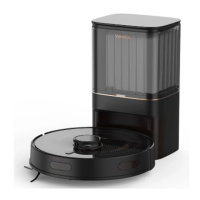
White : Normal power
Red : Low power or Error
Pulsing White : Charging
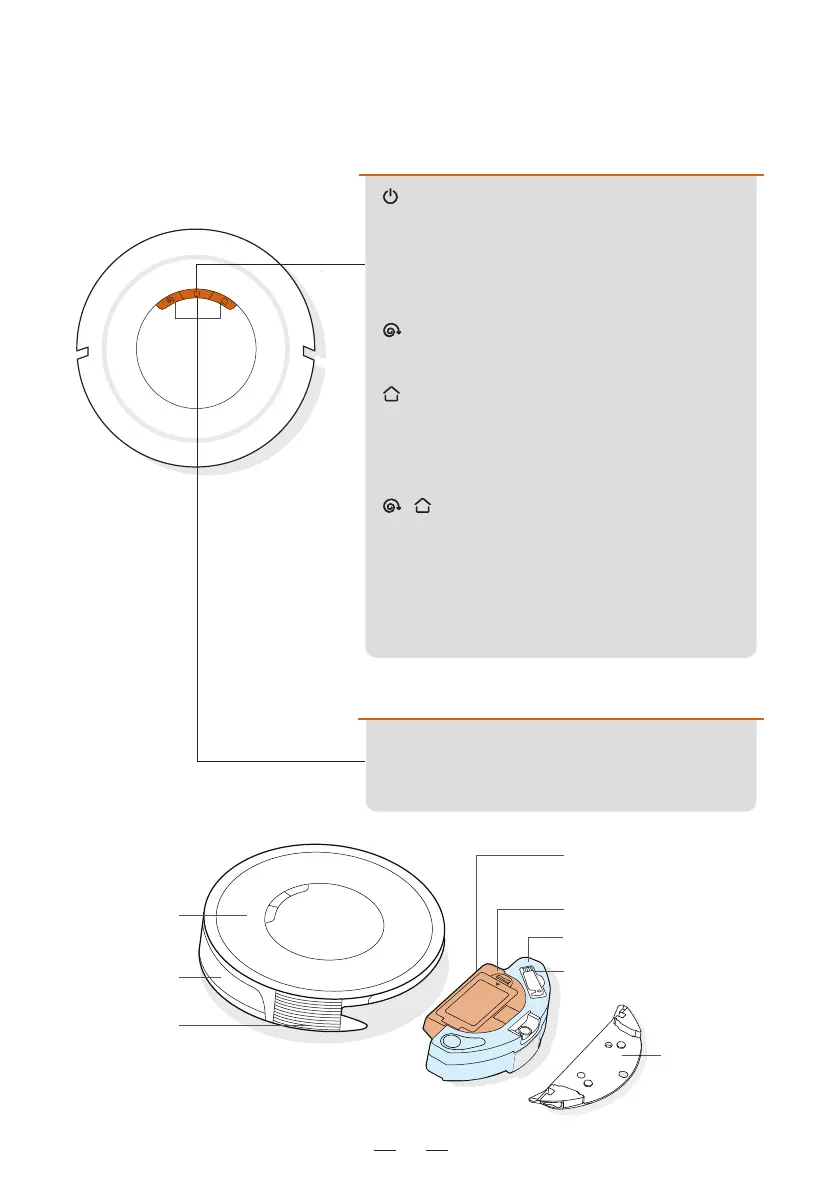
Robot status indicator light
2.2 Product Anatomy (Including Buttons and Indicators)
A) Robot Vacuum
Top View
05
Power button
- Turn On/Off : Press and hold for 3 seconds to
power on or off.
- Auto Cleaning : After power-on, press to start Auto
Cleaning.
Spot Cleaning button
- Spot Cleaning : Press to start Spot Cleaning.
Recharge button
- Recharge : Press to start recharging.
- Manual Emptying : Press to start manual dust
collection during charging.
- Reset Wi-Fi : Press and hold both buttons for 3
seconds to reset Wi-Fi.
Button
- Press any button to pause during
cleaning or recharging.
+
Cleaning brush
Dust Box
Dust box and water tank
combo module
Mopping
module
Panel
Front bumper
Air outlet
Water Tank


 To Next Page