1
Multimedia Station Basic
1. The Multimedia Station Basic consists of two parts, the remote
control and an internal receiver. Install the internal receiver into an
available 3.5” drive bay.
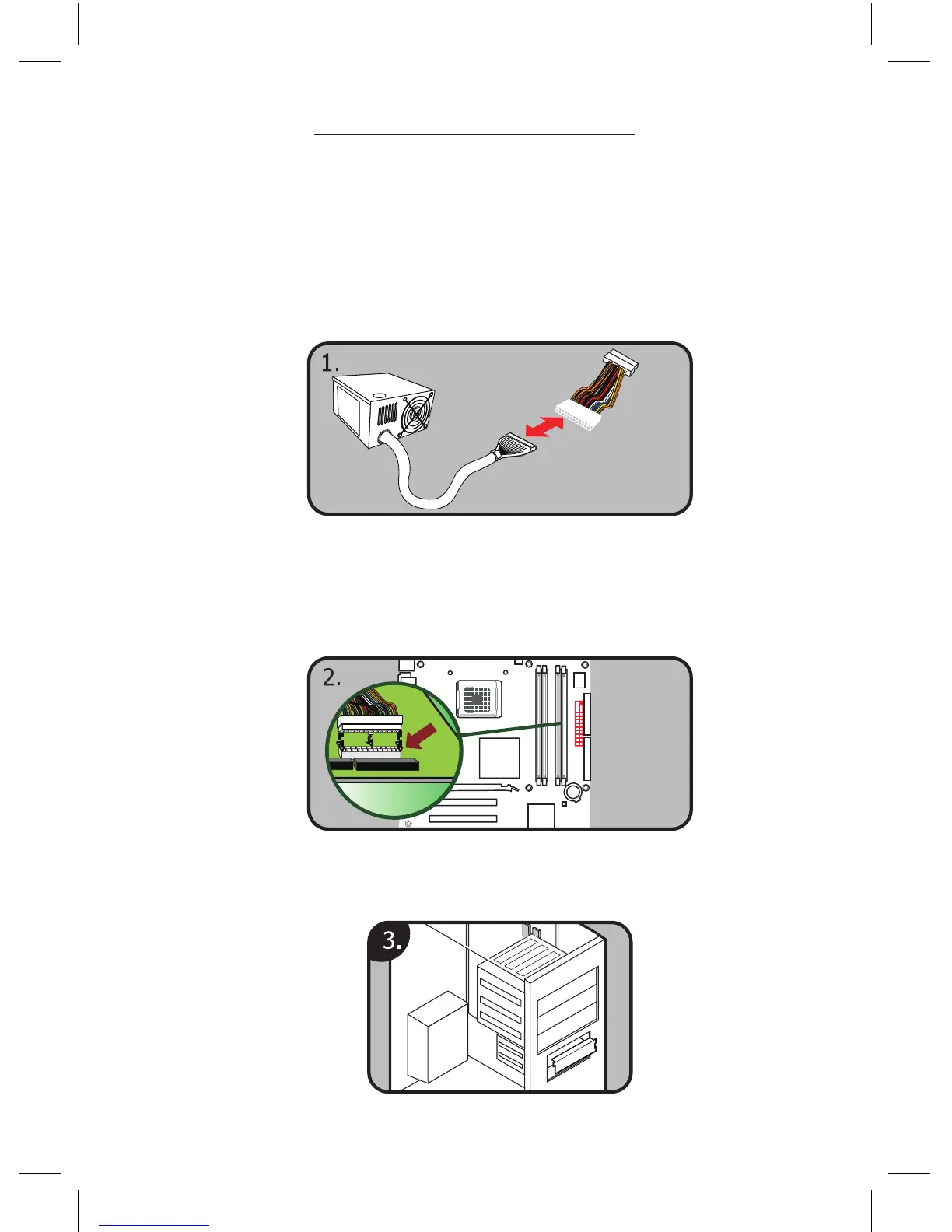
1. Turn OFF your PC and disconnect the AC power cable before
installing any hardware.
2. A 24-pin power adapter comes with the Basic. Connect the
adapter to the power supply 24-pin ATX power connector
and connect the other end of the adapter to the motherboard.
3. Remove the front cover from a 3.5” external drive bay.



 To Next Page