EasyManua.ls Logo

Versa Desk PowerLift PLCSD - User Manual

Versa Desk PowerLift PLCSD
19 pages
Print Icon
To Next Page IconTo Next Page
Loading...
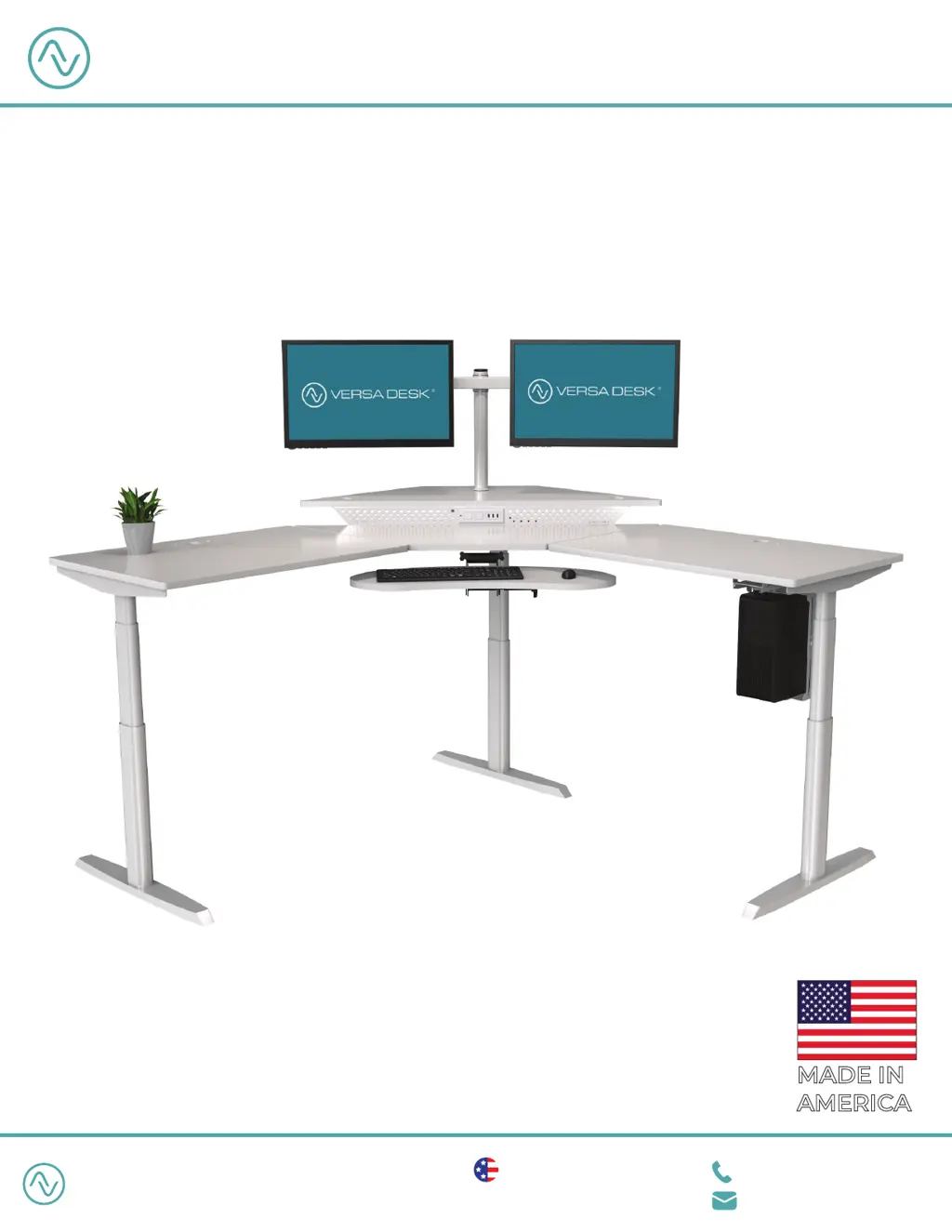
PowerLift Corner Standing Desk
PLCSD
®
1 (800) 465-1660
support@versadesk.com
American Manufacturing Lifetime Warranty
Protected by US Patent No. 10,485,336 & 10,849,424
VERSA DESK
®
Assembly Instructions
VERSA DESK
®
REV. 09192022
How can we improve our assembly instructions?
Your comments and suggestions are important to us.
Please e-mail us at: engineering@versaproducts.com
MADE IN
AMERICA

Questions and Answers

  • Y
    Yvette DouglasAug 7, 2025
    What to do if Versa Desk Racks & Stands display error code 'Er1 - Er13' or 'ASR'?
    • M
      michelle00Aug 7, 2025
      If your Versa Desk Racks & Stands display the error code 'Er1 - Er13' or 'ASR', confirm that all wired connections are secure, then perform the reset procedure.
  • M
    Melinda JamesAug 13, 2025
    How to fix Versa Desk Racks & Stands if it is not functioning properly?
    • M
      Mary SmithAug 13, 2025
      If your Versa Desk Racks & Stands are not functioning properly, unplug the power cord for 20 seconds. Then, plug the power cord back in and follow the RESET procedure.
  • J
    joseph46Aug 22, 2025
    What to do if Versa Desk Racks & Stands controller displays 'HOT'?
    • N
      Nathan HerringAug 22, 2025
      If the controller of your Versa Desk Racks & Stands displays 'HOT', allow the components to cool down for 20 minutes.
  • T
    Trevor ClarkAug 29, 2025
    What to do if height difference between the legs of Versa Desk Racks & Stands exceeds 1.5 inches?
    • T
      Tyler ReyesAug 29, 2025
      If the height difference between the legs of your Versa Desk Racks & Stands exceeds 1.5 inches, stop the reset procedure and contact Versa Tables immediately.

Versa Desk PowerLift PLCSD Specifications

General IconGeneral
BrandVersa Desk
ModelPowerLift PLCSD
CategoryRacks & Stands
LanguageEnglish