11
OPERATION (CONTINUED)
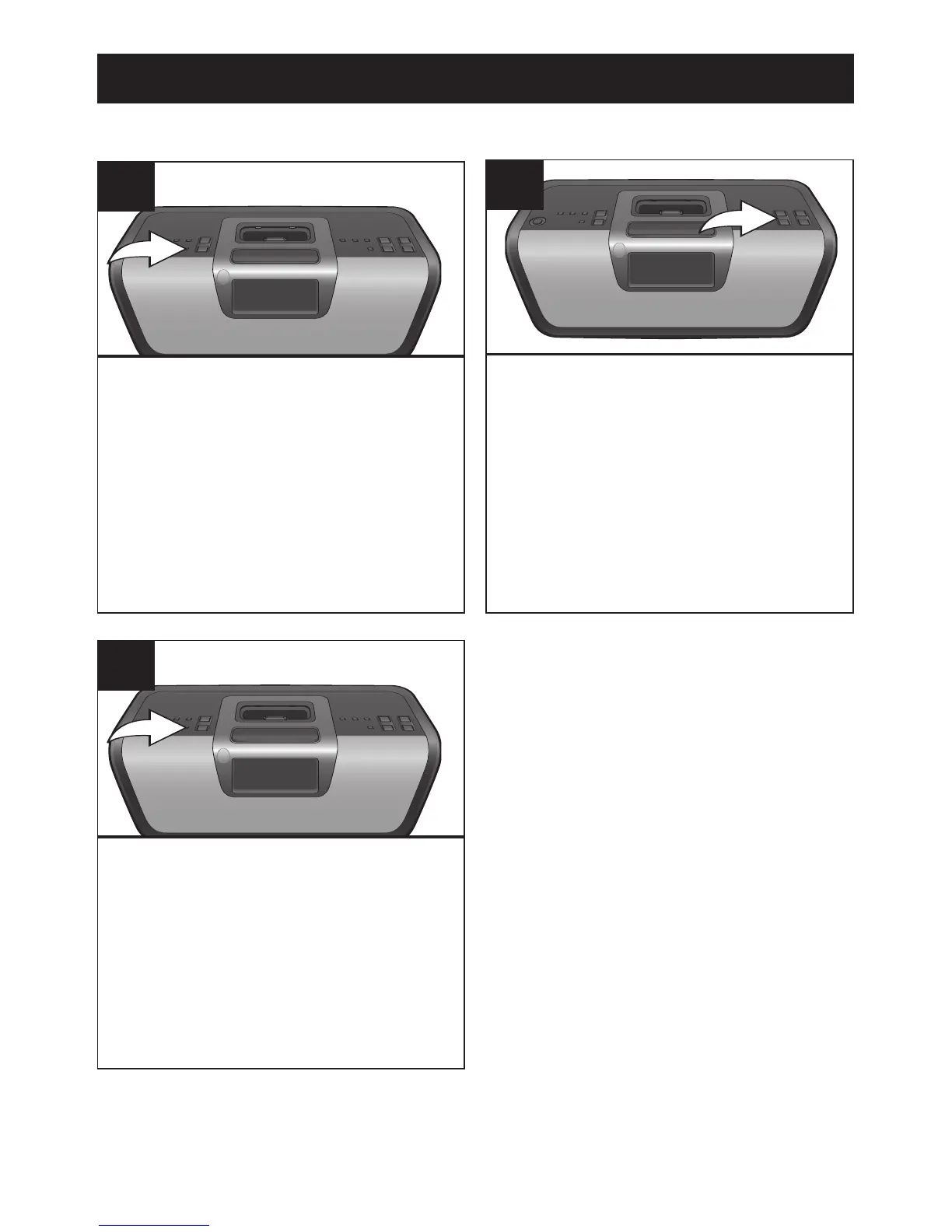
With the power off, press the
MEMORY/CLK SET button until
“12Hr” or “24Hr” blinks in the
display.
1
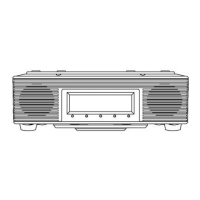
Press the MEMORY/CLK SET
button, the actual time will flash
then it will light solid, and the time
will be set.
3
TO SET OR RESET THE ACTUAL TIME
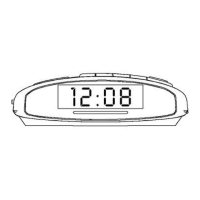
Within 15 seconds, press the
TUNE Up/Down/Skip
n / o
buttons to select between “12Hr”
and “24Hr”.
Repeat Steps 1 and 2 to set the
current hour (be sure to correctly
select between AM and PM) and
current minute.



 To Next Page