10
Viconics Technologies
028-0465-00 October 2015
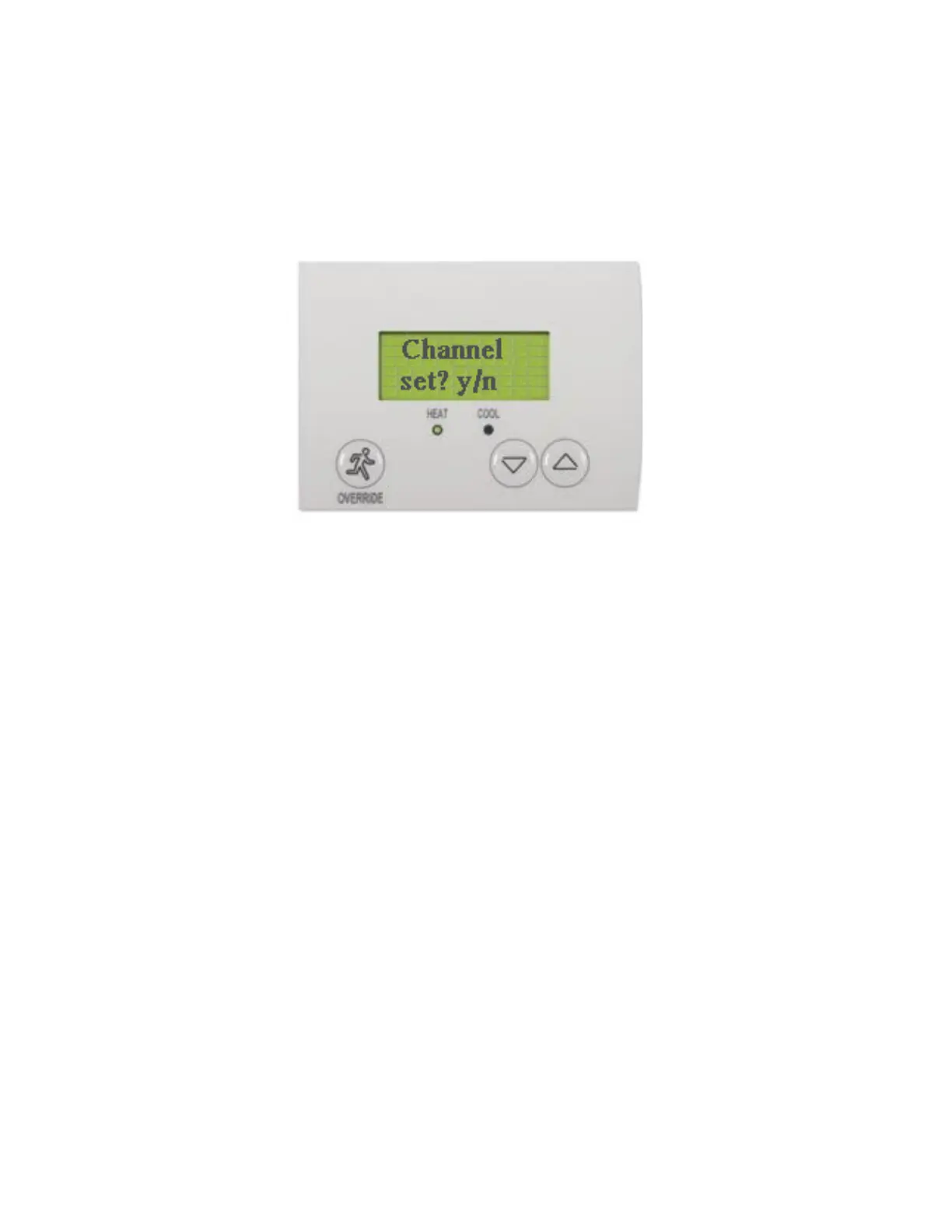
8. Using Up or Down arrow button, set Channel to match channel set in GW2.
Push OVERRIDE after Channel is set. Record Channel value for later use.
9. Press OVERRIDE until COM Address shows.
10. Enter COM Address value.
NOTE: The COM address is a unique identifier for the Room Controller and is used facilitate commissioning. Also, each device
must have a unique number.
11. Push OVERRIDE after COM Address is set. Record COM Address value for later use.



 To Next Page