Vico-DS2
Full HD
car camcorder
41 / 53 Copyright© VicoVation®
When Emergency events full, next new triggered emergency event
video will overwrite the first event video from 15 sets…and so on.
Please back-up and delete the emergency event videos
manually/regularly on your PC, to remain enough space for new
emergency events.
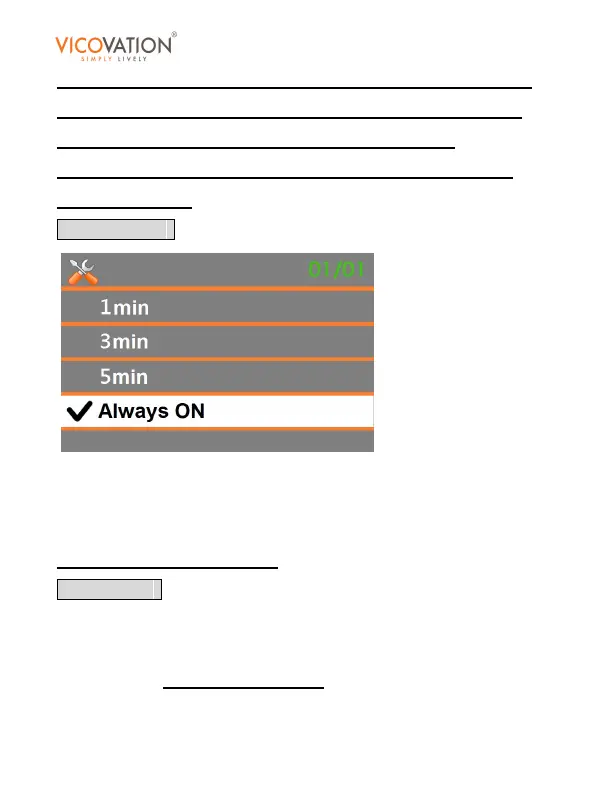
LCD Auto Off
Select 1min/3min/5min. In record mode/stand-by mode/playback
mode, if there’s no operation beyond the timeframe, LCD will be
switched off automatically.
Default setting is Always ON.
Date Stamp
Select On, Vico-DS2 will embed the date/time info into video. When
users play the AVI file in PC, date/time info will display on the left
bottom corner.
Default setting is On.



 To Next Page