Vico-DS2
Full HD
car camcorder
44 / 53 Copyright© VicoVation®
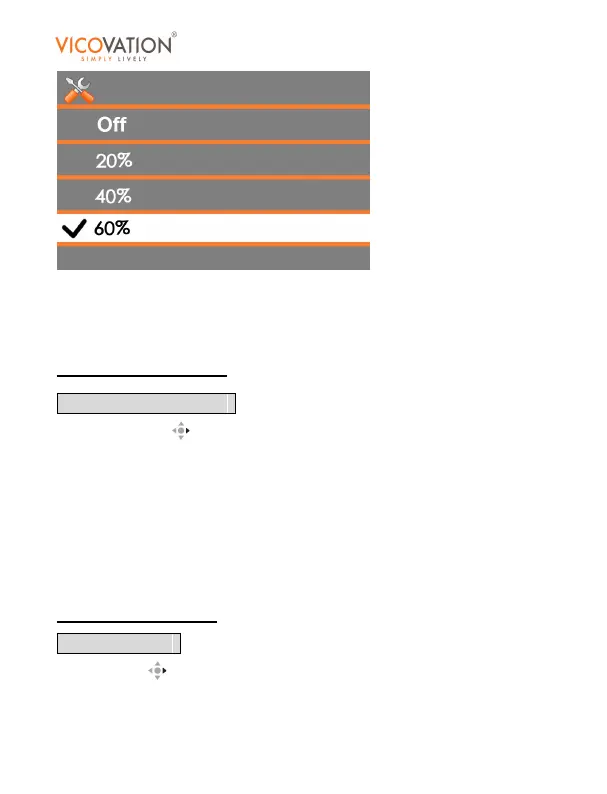
You may select different volume value for key beep and playback
volume, including 20%, 40%, 60%, 80%, 100%.
Default setting is 60%.
Automatic Recording
Press Right Key to enter sub menu. You may choose On/Off.
Turn On: Vico-DS2 will enter recording mode automatically after
power on the device. Exit from Setup Menu/Playback Mode will also
enter recording mode automatically.
Turn Off: Vico-DS2 will stay in stand-by live mode after power on, you
have to press Rec Key to manually start recording.
Default setting is On.
Image Inverse
Press Right to enter sub menu.
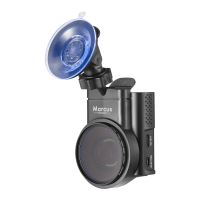
Vico-DS2 provides two brackets for flexible installation. When the



 To Next Page