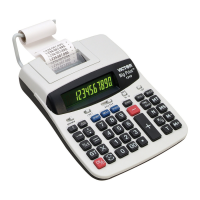
VIC OPERATION
AC OPERATION (OPTIONAL)
Set calculator power switch
to
"OFF".
Plug adapter into calculator first, then into
a 120
volt
AC outlet. Set power switch to
"ON".
(The internal battery is automatically
disconnected in AC operation).
BATTERY OPERATION
Disconnect adapter from outlet, then
from calculator. Turn power switch
"ON".
(If adapter is left connected, a switch,
prevents battery operation.)
BATTERY REPLACEMENT
Turn power switch
"OFF".
Exerting slight
downward pressure on battery compartment
cover (located
on
top portion of calculator),
slide cover off compartment and carefully
remove batteries. Replace with
(4)
1.5 Volt
double A (AA) batteries, replace
compartment cover.



 To Next Page