Note:-
1) Video settings for Different source may be different
depending on auto white balance settings and may vary panel
to panel.
2) The Video design data is set to match the best value with
measurement. If change this data, then it may affect on the
picture performance.
3) If there is picture cut problem, please use Just scan option in
setting user menu and if required change the overs can
option in design data.
29
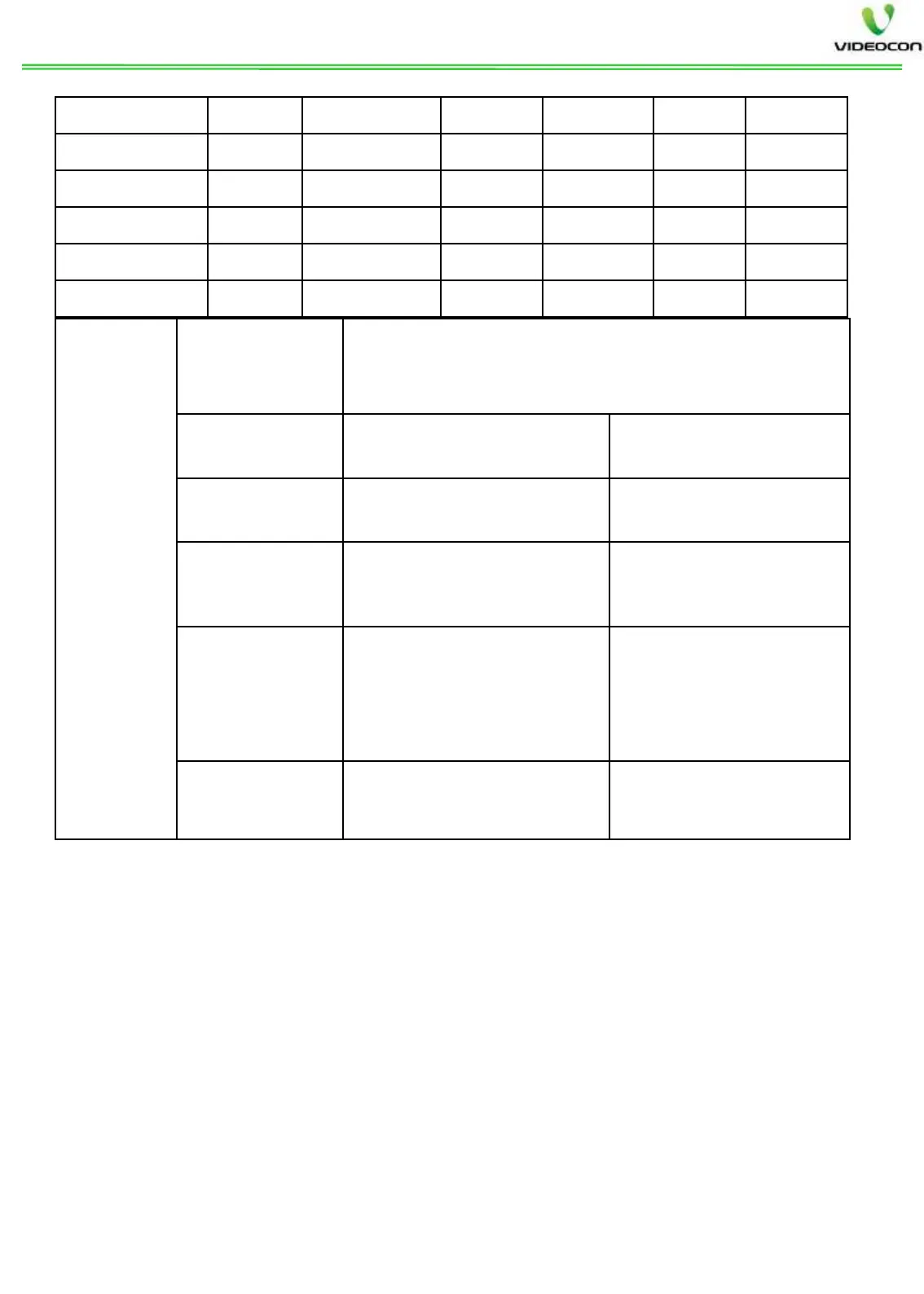
Panel
Control
Panel Type
Panel selection parameter. After selection of
proper panel type, it automatically selects all
panel parameters.
LVDS Mapping
Selection for LVDS
mapping 0 or 1
Depend on panel
Design Set Design data selection
Scroll for design set
selection
Back Light
Way
Backlight type selection
for DC/PWM
Depend on Panel
Backlight
Reverse
Parameter used for
positive or negative
backlight variation
Off
Back Light
Curve
To adjust Backlight
curve 0-255
Depend on Panel


 To Next Page
 Loading...