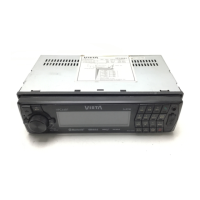
ENCODER VOLUME BUTTON
To increase the volume, rotate the volume control clockwise.To decrease the volume, rotate
the volume control counter clockwise. When volume is adjusted, the volume level will be
shown on the display panel as a number ranging from 0 (lowest) to 46 (highest).
AUX INPUT
Connect the external device to the RCA line in jack located at the rear of the unit , then press
Mode button to select Aux mode. Press Mode Button again to exit Aux Mode and select other
mode.
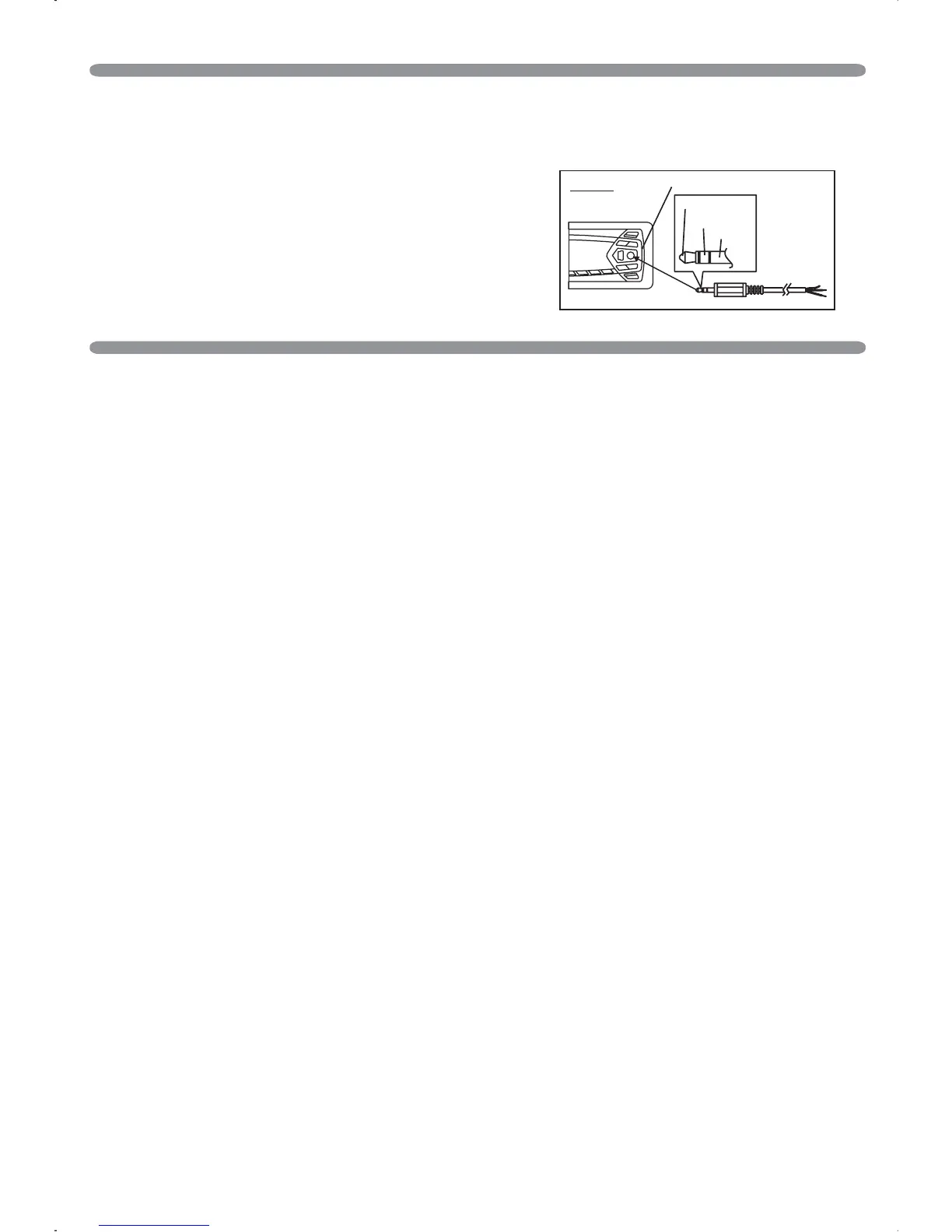
Connect the external device to AUX in jack located on the
front panel , then press Mode button to select Aux
mode. Press Mode Button again to exit Aux Mode and
select other mode.
FRONT CABINET
RIGHT TRACK
GROUND
AUX IN
LEFT TRACK
AUX IN
BR - 10



 To Next Page