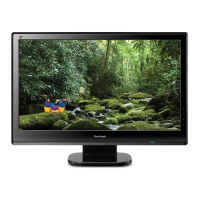
ViewSonic N4200w 28
Adjustment menu
Item Description Operation
Auto Sync
This function auto search the best
setting of current input
► to select Auto Sync.
Frequency
Adjust the delay time between
horizontal synchronous signal and
video
► to increase the delay time
◄ to decrease the delay time.
Phase
Adjust the delay time
► to increase the delay time
◄ to decrease the delay time.
H.position
Adjust the horizontal position of
the main and sub picture in PIP.
► to move toward the right.
◄ to move toward the left.
V. position
Adjust the vertical position of the
main and sub picture in PIP.
► to move upward.
◄ to move downward.





 To Next Page

