16
Step 7
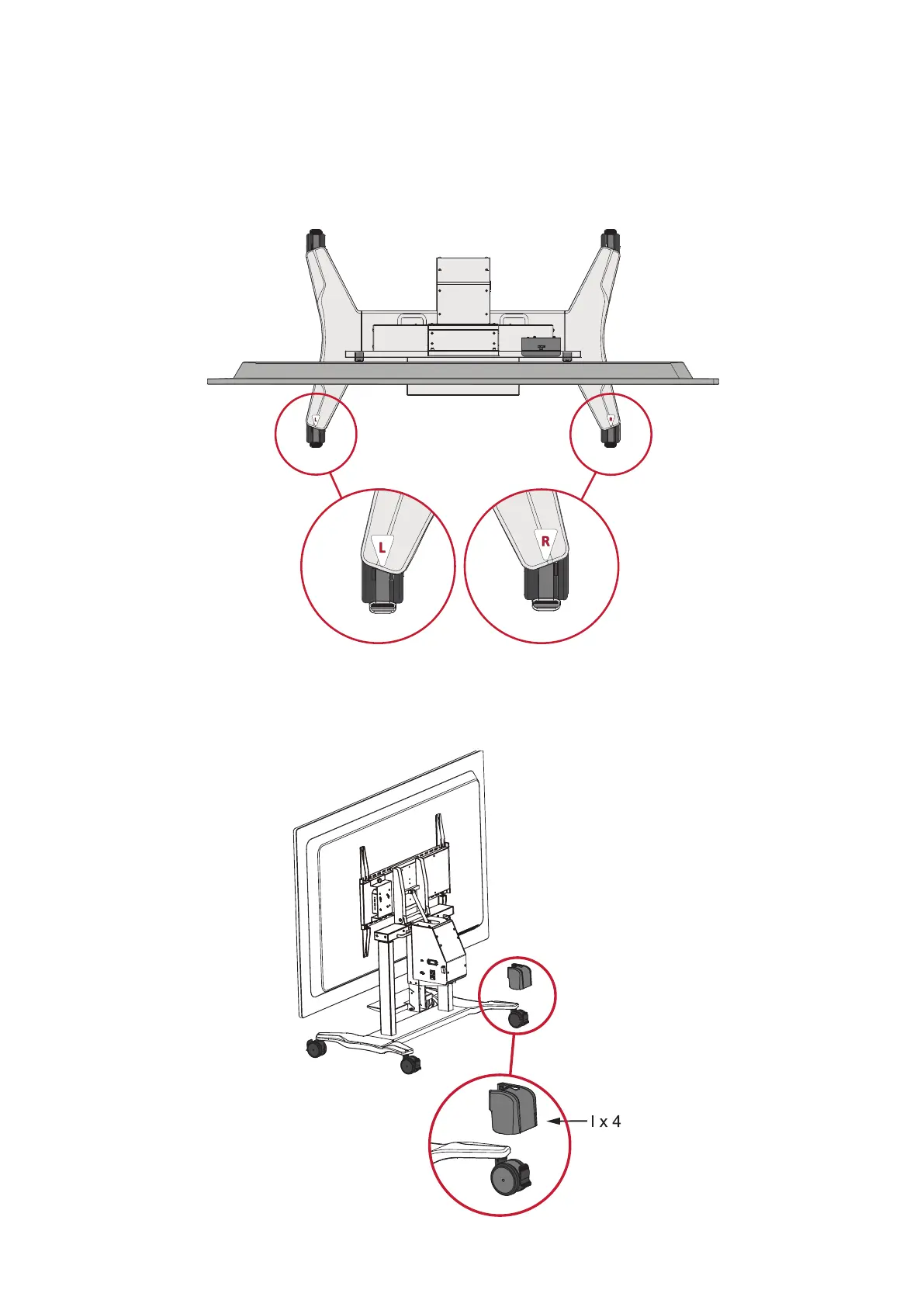
Install the Caster Covers (I) to further secure the Trolley Cart in place
NOTE: It is recommended to install the Caster Covers to avoid personal injury
and/or damage to the IFP and Trolley Cart
1. Ensure the wheels are aligned with the Trolley Cart.
2. Slide the Caster Covers over the wheels.
NOTE: The Caster Covers automacally lock the wheel brakes.



 To Next Page