Model Number MCS003
customercare@winplus.com.au
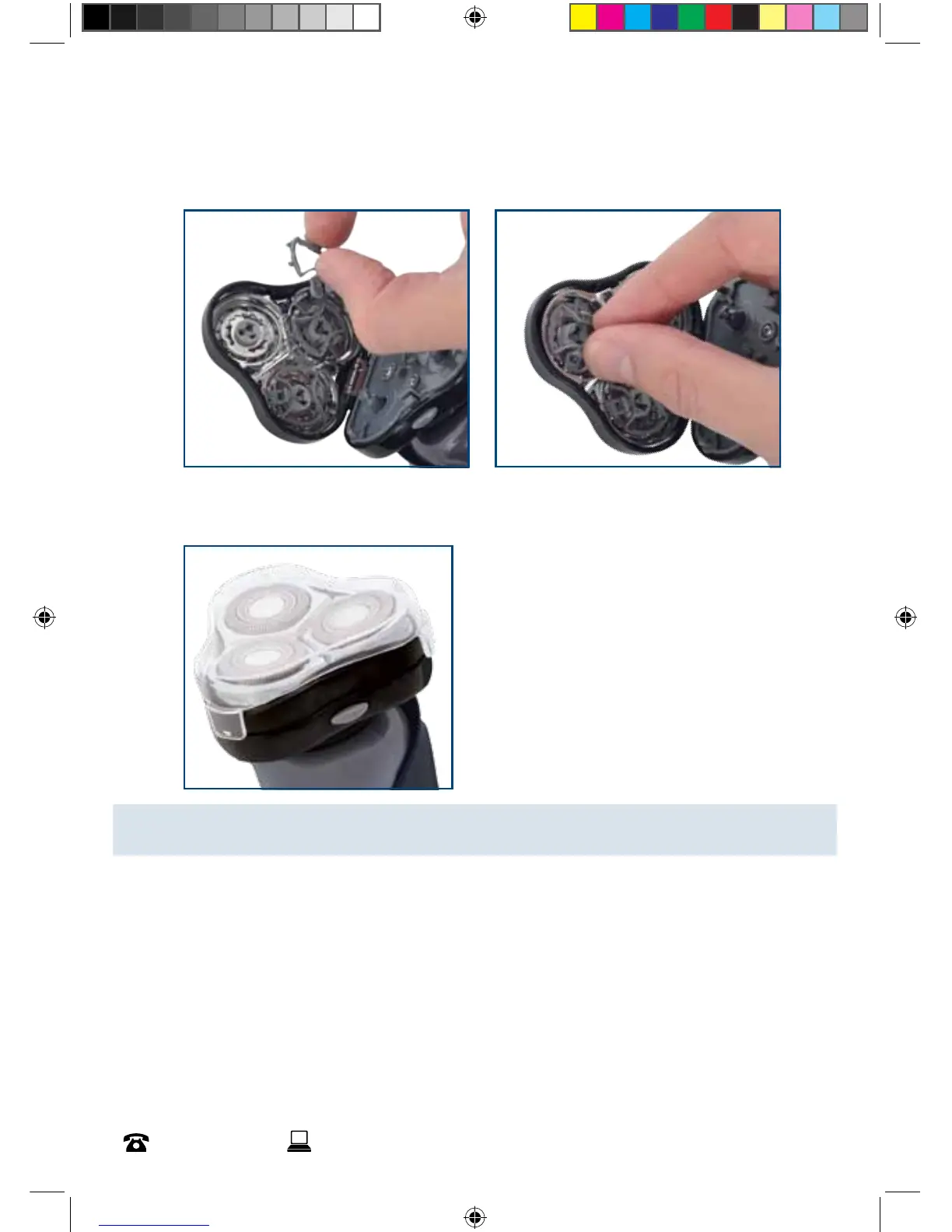
11. Squeezing the blade cover tabs inwards, line up with the slots and twist them anti-
clockwise until in place.
12. Close the shaving head and replace the protective cap.
NOTE: If you have issues closing the shaving head, check that all parts are assembled
correctly.



 To Next Page