MB-3 USER INSTRUCTION MANUAL
3
QUICK START GUIDE
CAUTION!! DO NOT ATTEMPT TO INSTALL THE UNIT WHILE THE CAR IS IN MOTION!
INSTALLING MB-3
(For detailed instruction please see Section 2.1 Installing
the Main Unit)
1. Make sure the engine is off.
2. Locate your UHI/MHI connector (It is usually
situated in the tray under the front armrest).
3. Make sure there is no cradle attached to the
UHI/MHI connector.
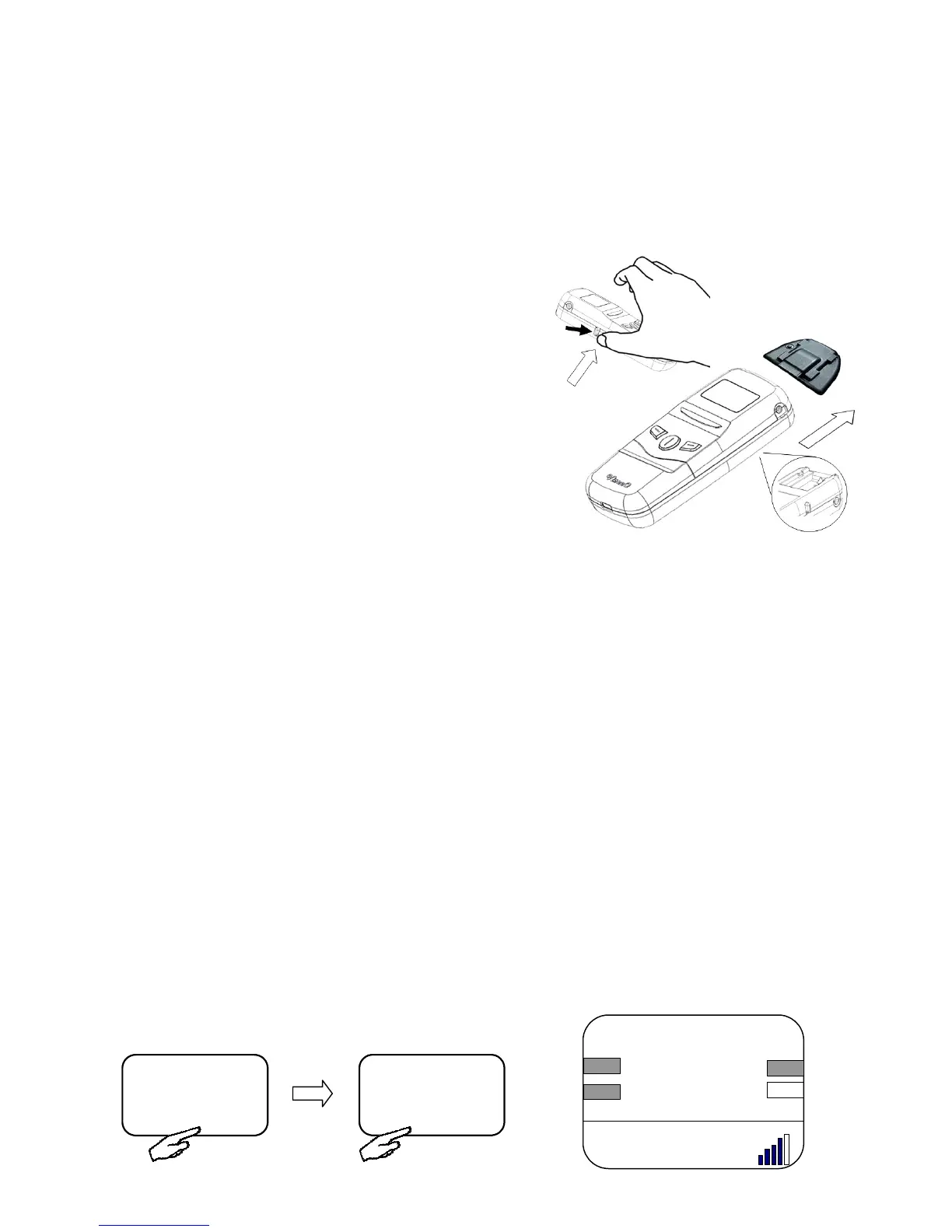
4. Press and hold MB-3 UHI release button then,
gently slides MB-3 onto the UHI/MHI connector
until in lock into the connector.
5. Turn on the engine and make sure MB-3’s OLED
screen and blue LED is on.
* If you have a NTG 4 you will need to set the dip switch 1 & 2 to off position before installing the unit (For
further information please see Section 1.6 Software Dip Switch and NTG 4 Vehicles)
CONNECTING MB-3 TO YOUR MOBILE PHONE
(For detailed instruction please see Section 3.2 Pairing for the First Time)
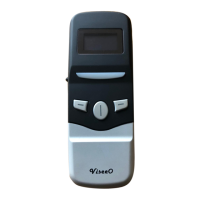
1. Press the middle key [MENU] on MB-3.
2. MB-3 should display [BLUETOOTH] if not press the right key [
] to select it.
3. Press the middle key [SETUP] to setup Bluetooth.
4. MB-3 should display [PAIRING] if not press the right key [
] to select it.
5. Press the middle key [SETUP] to enter pairing mode. MB-3 should display “PAIRING
NOW... Search ViseeO on your phone”.
6. Enable Bluetooth on your phone and search for a new Bluetooth device.
7. Select MB-3 when displayed a list of available Bluetooth devices nearby.
8. Enter 1234 on your mobile phone when the pass-code is requested.
9. The signal sign on your vehicle's screen should
become solid when the connection is successful.
A2DP
FM3 106.1 MHz
FM> MENU
BLUETOOTH
SETUP
Signal sign on a Comand APS Screen
VISEEO
Telephone Number
TEL
Calls
Redial
Delete


 To Next Page