4
MAKING A CALL
(For detailed instruction please see Section 3.4 Making the First Call)
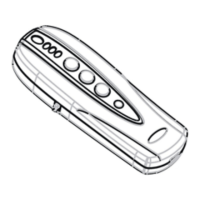
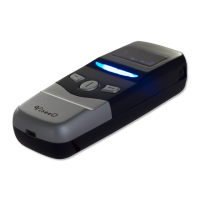
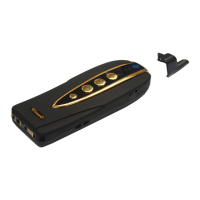
1. Connect your phone with MB-4.
2. Dial a set of numbers you wish to call using the numeric keypad on your Comand console.
3. Press the answer button on your Comand console to make a phone call.
4. To end the call, press the hang up button on your Comand console to end the call.
SYNC FOR THE 1
ST
TIME
(For detailed instruction please see Section 4.1 Sync Phonebook)
1. Connect your phone with MB-4.
2. MB-4 should automatically sync with your phone as soon as they are connected.
3. During the uploading you will see the symbol > appearing on the top right of the MB-4’s OLED
panel.
4. When the symbol > disappears MB-4 will transfer the phonebook to your Comand console.
MB-4 will temporary disconnect from your Comand console.
5. After the connection comes back wait for a while for Comand console to organize the
phonebooks.
(If you have large phonebook such as 500 entries or even more it will take some time for
Comand console to organize your phonebook).
6. Press TEL button on the Comand console to access telephone function.
7. Press Phonebook button on the Comand console to access your phonebook.
<< >
HTC 7 MOZART
Connected
SYNC MENU P2
This symbol indicate that
MB-4 is now uploading
phonebook form your
phone memory
This symbol indicate
that Automatic Sync is
on


 To Next Page