19
◆ Button Definition
There are five keys on the corresponding operation unit of YL80C instrument, of which
the keys are replaced by the words "UP" and "DOWN" respectively in the following
instructions.
General Operations
◆ Power On/Off
After pressing the key for a long time, the instrument starts to work and turns on
the working power supply of the controller. In the startup state, the electric vehicle can
be turned off by pressing the key for a short time. In the shutdown state, the
instrument no longer uses the battery power supply, and the leakage current of the
instrument is less than 1uA.
■ If the electric vehicle is not used for more than 10 minutes, the instrument will
automatically shut down.
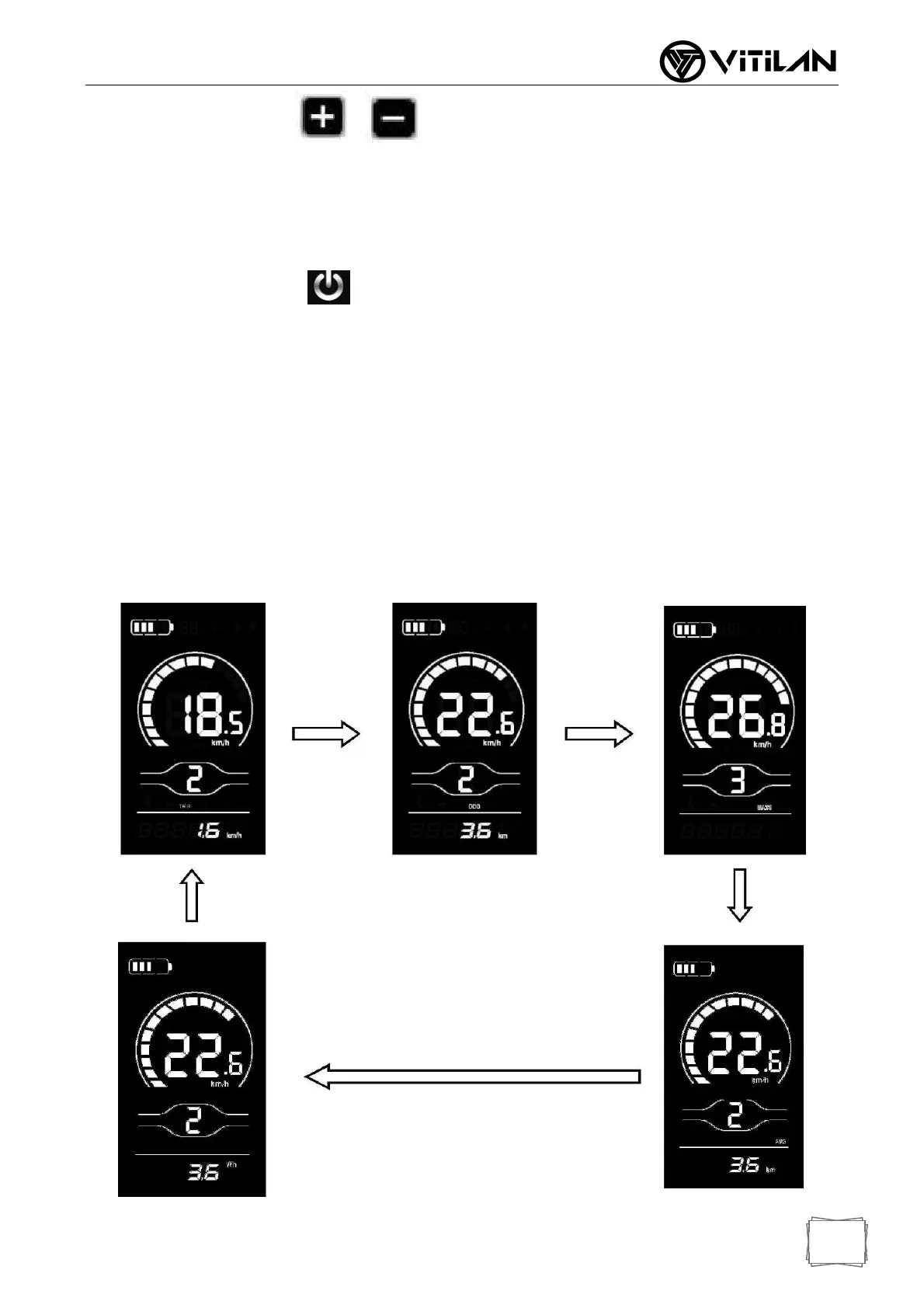
◆ Display Interface Switching
After the instrument is turned on, the instrument displays the real-time speed and total
mileage (km) by default. Press the "i" key briefly to display information switching
between real-time speed (km/h), single mileage (km), total mileage (km), maximum
speed (km/h), average speed (km/h) and riding power.



 To Next Page