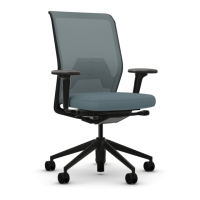
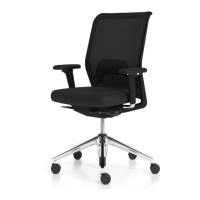
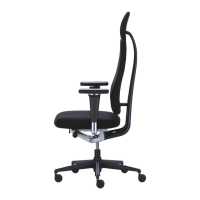
Modification de la hauteur de l’appui-tête
Faites glisser l’appui-tête vers le haut ou le bas pour
obtenir la position qui vous est agréable.
La musculature de la nuque est ainsi soulagée.
Regulación de la altura del reposacabezas
Desplace el reposacabezas hacia arriba o hacia abajo
hasta alcanzar la posición apropiada para usted.
Alivio para la musculatura del cuello.
Hoogte-instelling van de hoofdsteun
Schuif de hoofdsteun naar boven of naar onderen,
in de positie die u het meest comfortabel vindt.
Zo ontlast u de nekspieren.
Regolazione in altezza del poggiatesta
Spingere il poggiatesta nella posizione più comoda
verso l'alto o verso il basso.
La muscolatura della nuca viene alleviata del
peso che vi grava.
ID_Chair_Concept_BA_B2012.indd 43 04.10.12 11:55
Adjusting the height and angle of the head support
Slide the head support up and down to find the most
comfortable position. Adjust the angle of the head
support by tilting it forwards or backwards until it clicks
into place in one of three positions. The correct position
relieves the neck muscles of pressure and ensures
a horizontal view of the screen.
Höhen- und Winkelverstellung der Kopfstütze
Schieben Sie die Stütze auf- oder abwärts auf die für Sie
an genehme Höhe. Die Neigung ändern Sie, indem Sie
ID Mesh
ID_Chair_Concept_BA_B2012.indd 44 04.10.12 11:55



 To Next Page